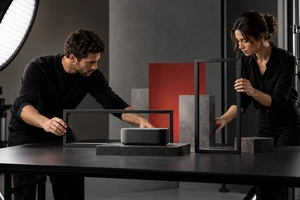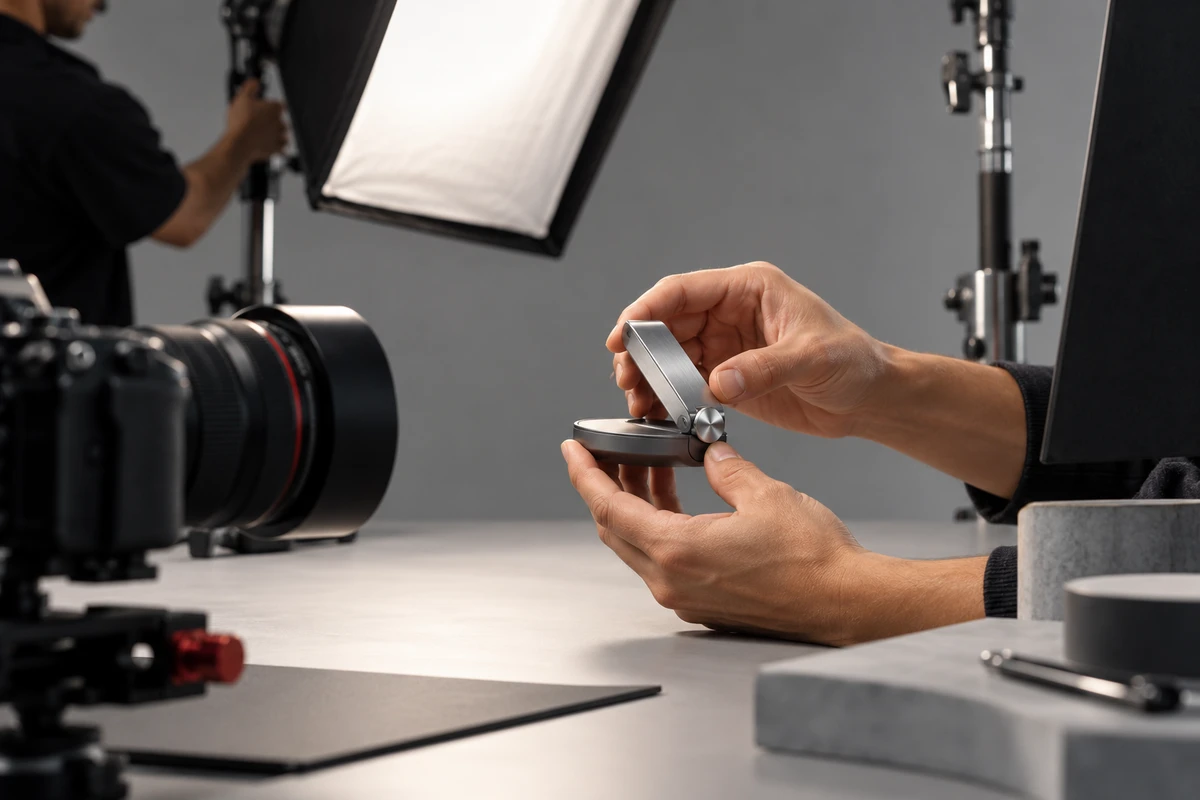
Your ecommerce video shot list contains thirty setups, but the crew has forty minutes left. Do you protect the hero rotation, the lighting pass, the talent shot, or the product demonstration?
The most useful question is not which shot looks more premium. Ask what a shopper would no longer understand if the shot disappeared. If removing it makes size, operation, usage conditions, or the result unclear, it is a decision shot. If the edit merely loses atmosphere, the shot can wait. We call this the delete-a-shot test. It is not an industry standard; it is a practical way for brand, ecommerce, and production teams to agree on priorities.
Start with the shopper's unanswered question, not a camera angle
Ecommerce video sits close to the purchase decision. Amazon Seller currently separates product videos into formats such as product overview, unboxing, how-to, setup, troubleshooting, and brand story. Shopify's official product-demo guide also places audience and goal definition, platform choice, and the script and shot list before production. The shared lesson is simple: more shots are not automatically better. Each shot needs a specific job.
Before storyboarding, rewrite product claims as four kinds of shopper questions:
- What is it? Make the form, scale, ports, and box contents immediately legible.
- How does it work? Show who performs which action and under what conditions the product responds.
- What changes? Make the before-and-after state visible, not merely implied.
- Is it right for me? Show human scale, spatial fit, compatible objects, or usage limits.
“Installs with one hand” is not yet a filmable claim. A useful task would specify that one hand holds the unit, the other does not assist, the latch moves from open to locked, and the frame shows the hand, interface, and final locked state together. Now the cinematographer, product manager, and operator are approving the same result.
For complex products, ONCE's guide to turning claims into a shot evidence map can help before a storyboard is drafted. This does not turn advertising into a manual. It makes sure the polished image has a reason to exist.
Use a four-part shot card to turn benefits into visible actions
Each important benefit can begin as a short shot card with four fields:
- Shopper question: What uncertainty should this shot remove?
- Visible action: What exactly changes in the person, product, or environment?
- Start and end states: Can the viewer understand the result within the same piece of footage?
- Production conditions: Which sample, accessory, surface state, light, or limitation matters?
The missing end state is a common failure. A video shows a button being pressed but not the device response. It shows an applicator moving but not the surface before and after. It shows a wearable going onto a wrist but not its scale or fit. An action with no readable result cannot be rescued by faster editing.
The shot card should also state what the image must not imply. If the outcome depends on a material, environment, or preparation step, keep that condition visible in the footage or copy. This article is not legal advice, but accurate advertising still requires a demonstration not to suggest that a conditional outcome happens in every situation.
On set, protect proof first, support second, atmosphere last
The priority system has three layers, and they are not simply wide, medium, and close shots.
Layer one: essential decision shots
These establish product identity, the core action, the critical result, and necessary conditions. Each main benefit needs at least one self-contained take with a clear start, uninterrupted action, and a result held long enough to read. If it fails, the product page, detail module, and sales demo all lose useful information.
Layer two: supporting comprehension shots
These include scale references, interface details, material changes, alternate angles, and hand positions. They may not persuade alone, but they keep the edit from relying on captions. For compact electronics, appliance accessories, and beauty devices, supporting shots often determine whether a shopper can understand how to hold the product, where it fits, and which surface makes contact.
Layer three: atmosphere and finish
Turntables, lighting sweeps, haze, slow motion, and environmental inserts can build brand value, but they should not displace decision shots. When time, sample condition, or talent availability changes, use the delete-a-shot test to protect the first two layers before choosing how much atmosphere remains.
The real shooting order should also respect lighting and prop continuity. Group takes that share the same surface, accessory state, and hand action. Schedule irreversible assembly, consumable use, or surface changes at controlled points. This protects information and reduces resetting time.
Platform formats need two entrances to the same proof
Product pages, landscape web videos, and vertical feeds create different viewing conditions. TikTok For Business's Creative Center, updated in July 2026, provides trends, ad examples, and platform creative tools. Those references can reveal native expression patterns, but they cannot replace the buyer questions for your own product.
On set, capture both a complete process and a fast entrance for the same proof:
- The complete version runs from starting condition to visible result for product pages and deeper demonstrations.
- The fast entrance begins at the decisive action or result so a vertical short can establish the product task quickly.
- Keep the product, hand action, and result inside a composition that can survive both landscape and vertical crops. If the proof depends on left-to-right space, film a dedicated vertical arrangement instead of forcing a crop.
This is different from exporting more files. If the brand also needs to manage landscape, square, and vertical deliverables, use the version-tree method before folder delivery. This article decides what to capture and protect; the version tree decides how that material becomes finished assets.
A shot is complete when the image answers the question
Do not wrap the shoot by ticking boxes alone. For every critical benefit, verify that you have:
- one primary take where the subject, action, and result are all readable;
- one alternate take with a different angle or timing;
- a record of the sample, accessory, and key conditions;
- clear landscape and vertical protection for the information that must survive;
- clip identifiers connected to the benefit, not labels such as “product close-up 07.”
A counterexample is a team that assigns three shot sizes and two movements to every benefit to avoid omissions. The list looks safe. Yet if every setup only moves around the product and none defines the shopper question, operating condition, or result, the shoot produces many interchangeable images that still cannot answer a purchase question.
This method is best for products whose action, structure, scale, or use context helps shoppers judge fit. A purely emotional brand film or a teaser built around suspense may not put decision shots first. But whenever the video will appear on a product page or explain a feature, the delete-a-shot test is worth running before production.
If you are organizing launch claims, platform needs, and production scope, explore ONCE VISUAL's ecommerce product video production service and request an ecommerce video shoot checklist before script, estimate, and schedule are locked.