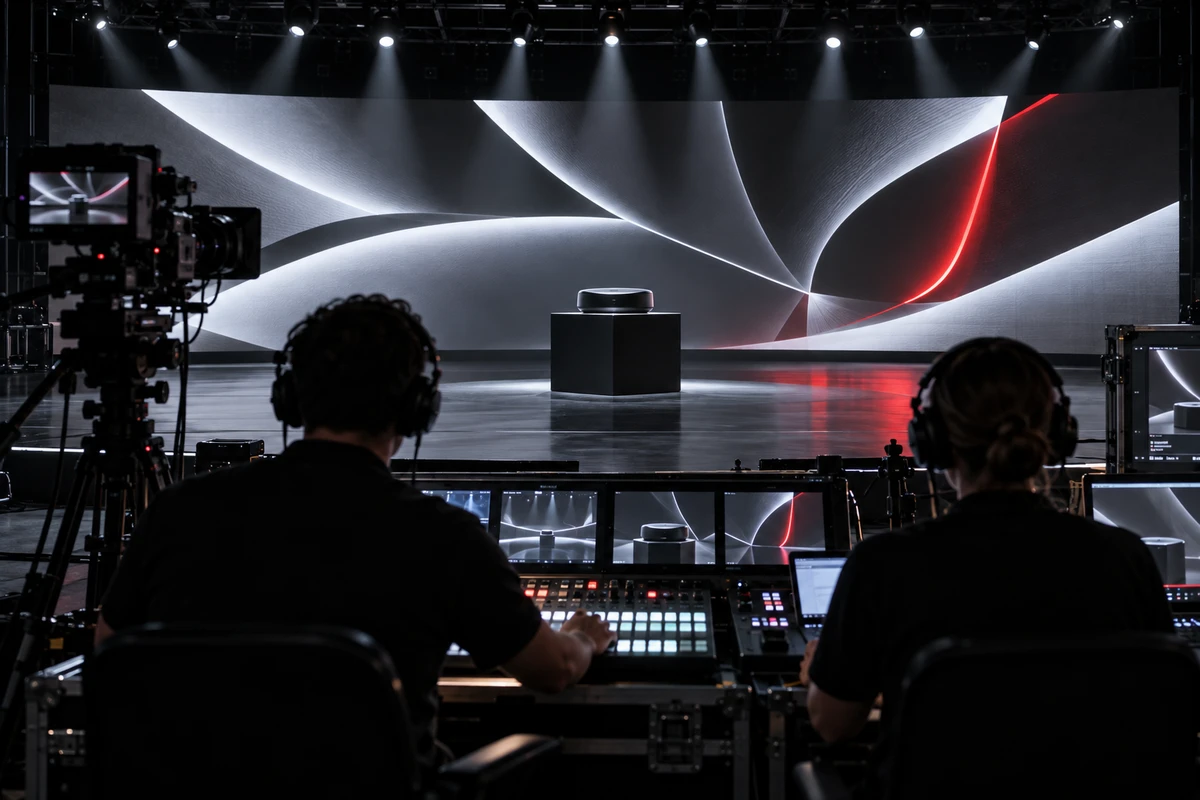
Imagine the film playing correctly on the main LED wall during technical rehearsal, yet three problems appear at once. The product reveal lands half a second before the presenter reaches the cue. The livestream director places the ultrawide stage image inside a much smaller window. Later, the social team discovers that the key product action sits too close to both edges for a vertical cut.
This is not a reconstruction of a specific ONCE project. It is a common risk pattern—and a useful reminder that a product launch film should not be accepted as a single file. Before full rehearsal, the team needs to test three playback paths: the venue screen, the live production chain, and post-event distribution. They can share one product story without sharing the same canvas, pacing, or audio mix.
Start with a playback matrix, not a storyboard
The physical size of an LED wall is not enough to define the film. Production needs the native pixel canvas, input signal, media server, processor, frame rate, color path, and audio routing.
If an ultrawide screen receives a conventional 16:9 master, the image may be boxed, cropped, or stretched. Before script and CGI work begin, build a playback matrix for three destinations:
- Venue screen: exact pixel dimensions, irregular joins, safe areas, playback software, preferred and backup codecs, and whether audio is embedded or routed separately;
- Livestream: program canvas, full-screen or picture-in-picture use, presenter handoff, and any separate caption or graphics layer;
- Post-event channels: landscape, square, or vertical formats, silent-viewing readability, subtitle languages, and release dates.
There is no universal LED-wall export setting. Resolume's official guidance notes that preserving higher bit depth depends on every link in the chain—from the GPU and connector to cables, processors, and the final display. A file that looks correct in the edit suite therefore still needs an end-to-end venue test. See Resolume's content and codec guidance.
Treat cue points as production decisions
Once the film enters a live show, it is no longer self-contained. It may follow a presenter line, a blackout, or a countdown. It may end with a product lift, a guest entrance, a lighting cue, or the first slide of a keynote.
A cue sheet should specify:
- What remains on screen before playback and whether the room is silent;
- Who gives the GO command and where playback begins;
- The state of lighting, stage mechanics, and the presenter at the full product reveal;
- Whether the film ends on black, a brand hold, or a product hold—and for how long;
- The order of the presenter pickup, camera cut, and lighting recovery;
- The fallback action if playback stops.
These choices affect the edit. A product hold of only a few frames gives applause, stage movement, and camera switching no room to breathe. A musically perfect hard ending may still be wrong if the presenter needs a clean handoff.
One master can unify facts, not every frame shape
The master should preserve product facts, approved copy, core visual assets, and sonic identity. The canvas, opening speed, caption treatment, and shot selection can still change by destination.
YouTube's current upload guidance recommends encoding and uploading at the same frame rate used for recording. LinkedIn's current video-ad specifications list distinct landscape, square, 4:5, and 9:16 options. Platform details change, but the production implication is stable: a landscape master does not automatically become an effective vertical asset.
The shoot should therefore preserve:
- Product actions that can be recomposed: keep essential interaction away from the far edges;
- Shorter entry points: post-event edits should not depend on a long stage buildup;
- Text-free plates and separate captions: give livestream graphics, localization, and vertical layouts room to work.
Build the master first, then derive the venue, livestream, and post-event branches. Each version should record its aspect ratio, duration, captions, audio, approval status, and destination. For a broader delivery method, see Multi-Platform Video Delivery: Build a Version Tree.
Run an empty-room test before full rehearsal
The first end-to-end playback should not happen during the final rehearsal. Once the stage is available, test a near-final file before performers and executives enter the critical path.
Check more than whether the file opens:
- Can the playback system read both the preferred file and its backup reliably?
- Do joins, gradients, dark tones, crop, and brand colors remain acceptable on the actual wall?
- Does audio reach the correct path, and do the venue and livestream require different mixes?
- Do the opening frame, end hold, and cue points match stage movement?
- In the program feed, do the LED content, presenter, and graphics remain legible together?
- Can a backup still, muted file, and local copy take over if the network or primary file fails?
Once this test passes, freeze the venue master. Later subtitle or vertical-edit changes should not disturb a file already approved for playback and stage timing.
Know when one film should become three
If the venue uses an irregular ultrawide canvas, synchronized mechanics, or immersive sound while the livestream prioritizes faces and product detail—and social distribution needs a fast 9:16 opening—forcing one edit across all three destinations is usually false economy. Share the shoot and core assets, then create purpose-built versions.
If the venue is standard 16:9, stage interaction is simple, and the only post-event need is a landscape replay, the three versions may remain much closer. The test is not whether more deliverables look sophisticated. It is whether the playback environment changes what viewers can see, hear, and understand.
When preparing a launch film, bring the screen specifications, show flow, live-production path, and post-event channel list to ONCE VISUAL. We can work backward from the real playback conditions. If the hero film, product features, and cutdowns need to live in one production plan, explore our brand film production solution.