Imagine the show opens tomorrow and the final film is already on a drive. On the booth display, the voiceover is almost impossible to hear. When a salesperson brings a prospect over, the film can only run from the beginning. After the show, the same link goes to a procurement contact who no longer has the context of the conversation and cannot tell what question the video is meant to answer.
This is usually not an editing-speed problem. It begins when the brief asks for “one trade show video” without distinguishing three viewing situations. A visitor walking past the booth, a prospect in a live sales conversation, and a decision-maker reviewing the offer later all have different levels of attention, context, and intent. A better approach is to build one shared library of sales evidence, then edit it into a booth loop, a sales-assisted version, and a post-show follow-up version.
First Contact on the Show Floor: Who Is the Display Talking To?
A booth display is not simply a larger website player. A visitor may approach from the side or see only a few images from several metres away. Conversations, announcements, and machinery compete for attention, so sound cannot be a condition for understanding the message. The booth loop does not need to explain the entire company. It needs to make three things apparent without a voiceover or a long opening: what the product or capability is, what it is doing, and why it may matter to the viewer.
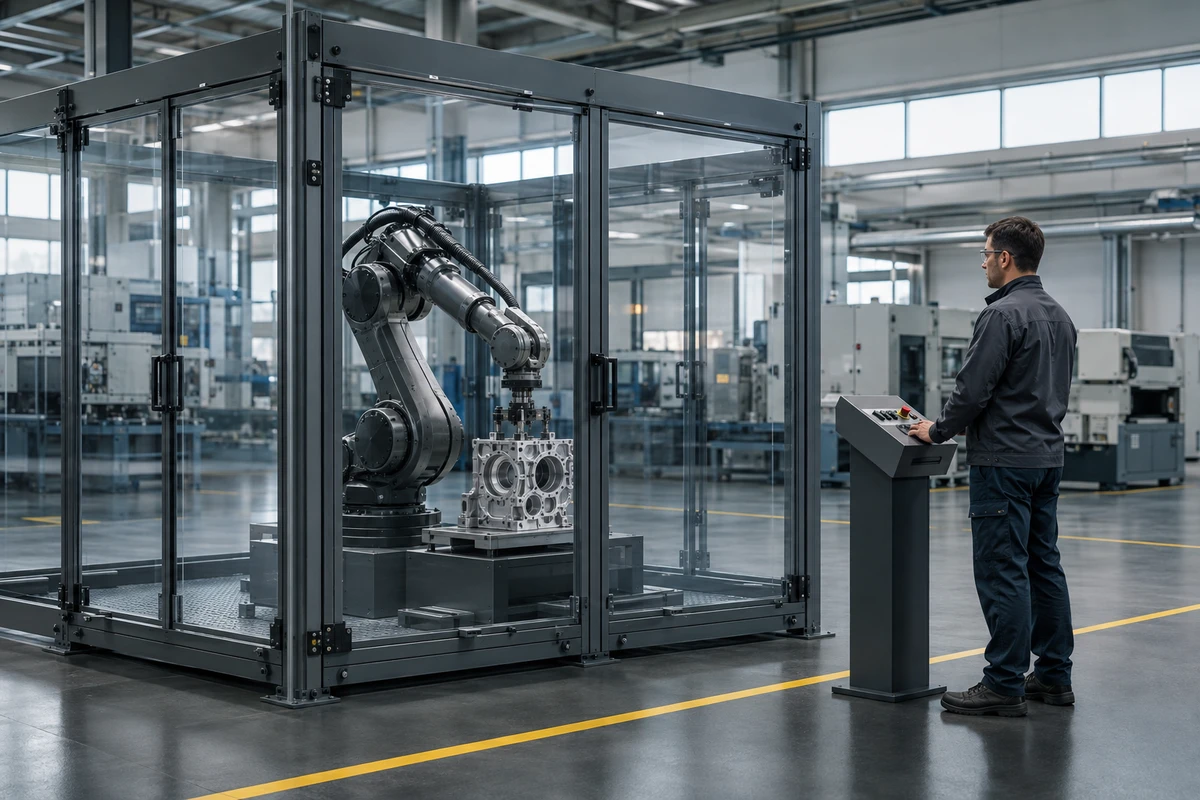
That changes the shot selection. An aerial view of a campus or a slowly emerging brand introduction may create atmosphere on a website, but on an aisle-facing display it can spend the first useful moment on background. Recognisable product actions, application outcomes, real manufacturing steps, and visible human-machine collaboration are usually more useful. The end of the loop should also return naturally to the beginning instead of revealing a black frame that announces the film has ended.
On-screen copy should be limited and large. It should not reproduce the voiceover line by line. Its job is to add a product name, an operating condition, or a decision cue that the picture cannot communicate alone. Essential information must remain visible, but the copy must not cover the component being demonstrated or turn the display into a moving teleprompter.
Let the Booth Loop Attract Attention and the Sales Version Prove the Point
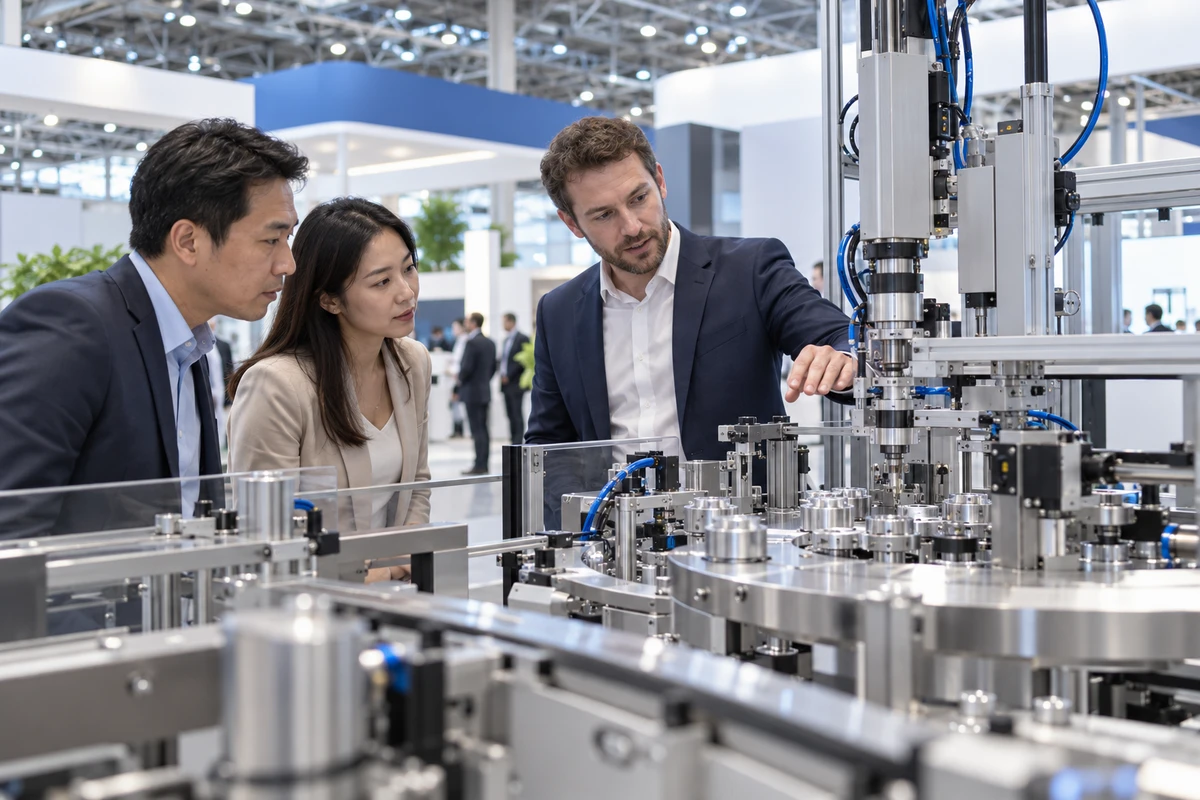
Sales teams rarely use a video by playing it from beginning to end. They pause, replay, or jump to a section when a prospect asks a question. The sales-assisted version therefore needs to be controllable. Each section should make sense on its own, remain useful when paused, and fit a live explanation without relying on the previous line of narration.
Start by breaking the sales proposition into evidence blocks rather than writing one long voiceover:
- Product capability: the real functional action, the conditions required, and the resulting output.
- Manufacturing and delivery: the critical process, quality control, team coordination, and packing or dispatch.
- R and D and service: how engineers identify a problem, how the solution is validated, and which party owns which responsibility.
- Partnership fit: typical operating conditions, available configurations, and the limits that still need to be confirmed.
These blocks can use the same high-quality footage as the booth loop, but their structure should be different. The loop lets the action lead. The sales version places each claim next to the image that supports it. Parameters, certifications, customer names, and performance comparisons should appear only when they have been approved internally and can be explained by the team at the booth. Motion graphics should never turn an unconfirmed claim into an apparent fact.
If the company is still organising its capabilities, the ONCE corporate film production service provides a useful way to separate R and D, manufacturing, people, and application scenes into filmable, reviewable tasks. For manufacturers, three factory moments worth filming can also give a buyer more to discuss internally than another claim that the business is “strong.”
The Follow-Up Version Must Restore the Context the Booth Provided
During a booth conversation, a salesperson can add an explanation after seeing a prospect’s reaction. They also know which market the person represents and which product line matters. None of that context travels automatically with the video.
The follow-up version cannot simply be a shorter booth loop. It must answer the questions of someone who was not standing at the booth: why should I watch this now, what does it demonstrate, and what should happen next?
That usually means a clear entry point. Begin with the customer problem or application, show two or three relevant evidence blocks, and end with a specific next step. This does not require a complete new edit for every lead. A stable master can be combined with replaceable openings, evidence sections, and endings, allowing sales teams to select material by industry, product, or buyer concern without searching through a full corporate film for timecodes.
If the video will also be shared on LinkedIn or another platform, prepare the caption file separately from the essential information embedded in the picture. Optional captions help viewers follow dialogue. In-picture information allows the visual argument to remain clear outside the booth. They are separate delivery layers and should not be treated as substitutes for each other.
One Shoot Should Build One Shared Evidence Library
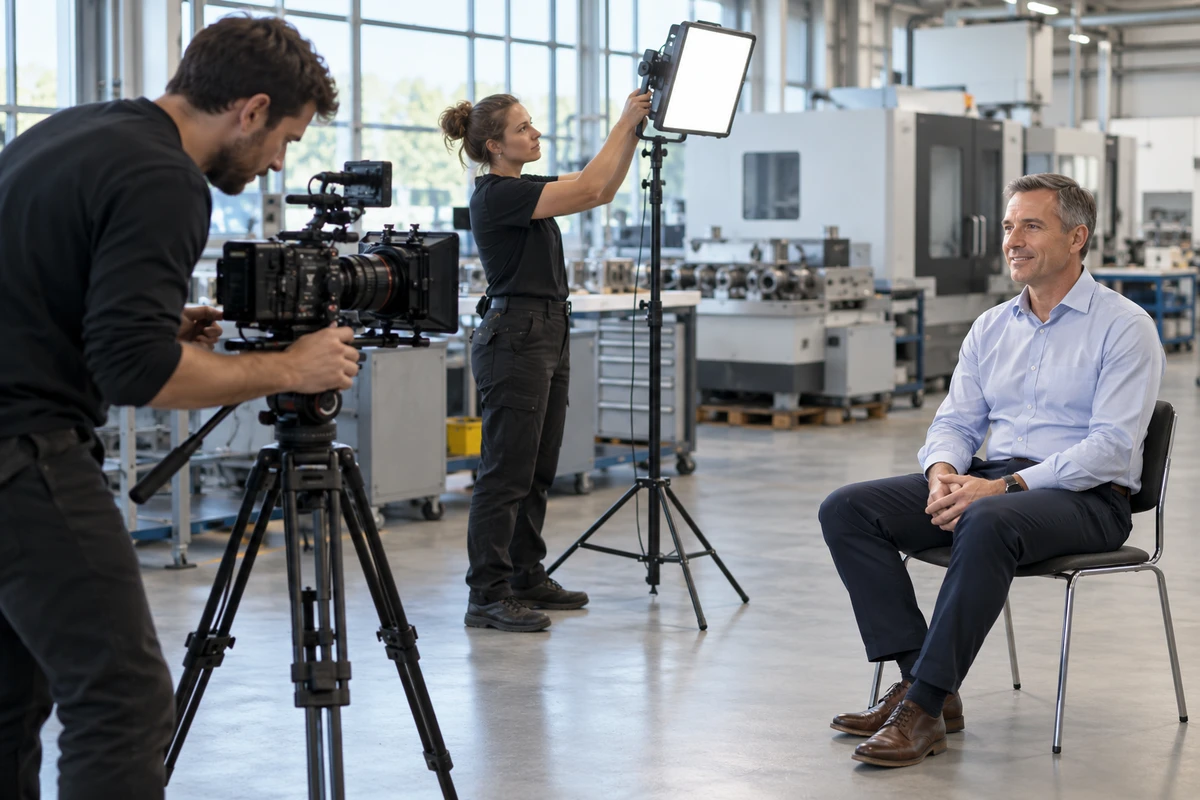
Three versions do not require three shoots. During pre-production, separate the material that can be shared from the items that need their own treatment.
Shared material often includes a complete product or machine action, close views of critical parts, factory and R and D environments, short engineer answers that can stand alone, clean location plates, and approved parameter or graphic assets. Items that need to be confirmed separately include the exact aspect ratio and pixel dimensions of the booth display, negative space for a silent loop, stable frames that remain useful when paused, horizontal and vertical compositions for post-show channels, multilingual captions, and a clean text-free master.
The booth contractor and playback setup are easy to overlook. Before delivery, confirm the display orientation, pixel dimensions, playback method, file format, looping behaviour, audio availability, and the person responsible for loading the file. Discovering that a landscape master must fit a portrait display after the booth is built usually means losing the subject, the captions, and the intended composition at the same time.
Do Not Review Only the Film: Run Three Use-Context Tests
Watching the export once on a computer proves only that it can play. Each version should pass a test that resembles its real use.
The silent walk-past test. Turn off the sound and view the loop from the planned distance and direction of movement. A viewer entering at any point should be able to identify the product category, one important action, and the brand. Copy should not cover the subject or require a long sentence to be read.
The sales pause test. Ask the people who will attend the show to operate the file. Can they reach the relevant section quickly? When they pause, does the image still contain enough product or process information for them to continue explaining? If they must repeatedly drag the playhead and guess, the structure is not ready.
The out-of-context test. Give the follow-up version to someone who did not join the planning meeting, along with only the sentence that will accompany the actual message. Can that person explain what the offer is, what the images demonstrate, and what still needs to be confirmed? If the answer depends on a conversation that happened at the booth, restore that context in the opening or captions.
When You Do Not Need Three Fully Separate Films
If the product is simple, the display is a standard format, the sales message is consistent, and the follow-up requires only a short feature demonstration, one master can support three light outputs: a silent loop, a chaptered sales version, and a follow-up version with its own opening and ending. More versions are not useful when they only create duplicate work.
If the booth uses a custom display ratio, the company has several product lines, visitors come from different countries and channels, or the sales cycle repeatedly calls for different types of proof, forcing all three uses into one timeline is a poor compromise. In that situation, the structural differences are part of the deliverable.
The key decision in trade show video planning is not the total runtime. It is the job each viewing situation must complete. Put the display specifications, sales propositions, evidence blocks, and post-show destinations into one planning sheet before the shoot. The production team can then decide which shots can serve all three versions and which need dedicated design. If you are preparing for an upcoming exhibition, contact ONCE VISUAL for a corporate video needs diagnosis that brings the booth, the sales conversation, and the follow-up edit into one production plan.
Production examples and next steps
Build a factory-film brief around observable work and approved access. The Jiyang equipment and automated-manufacturing film provides an example of industrial subjects.
Review Factory and corporate video production in China and Jiyang Zhuyun: New Energy Equipment and Automated Manufacturing Corporate Film. To discuss your project, send the processes to show, filming permissions, interview roles and sales uses through the English project enquiry form.