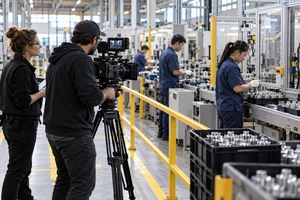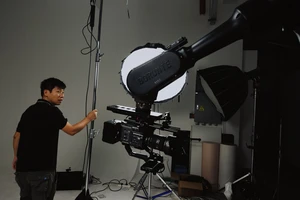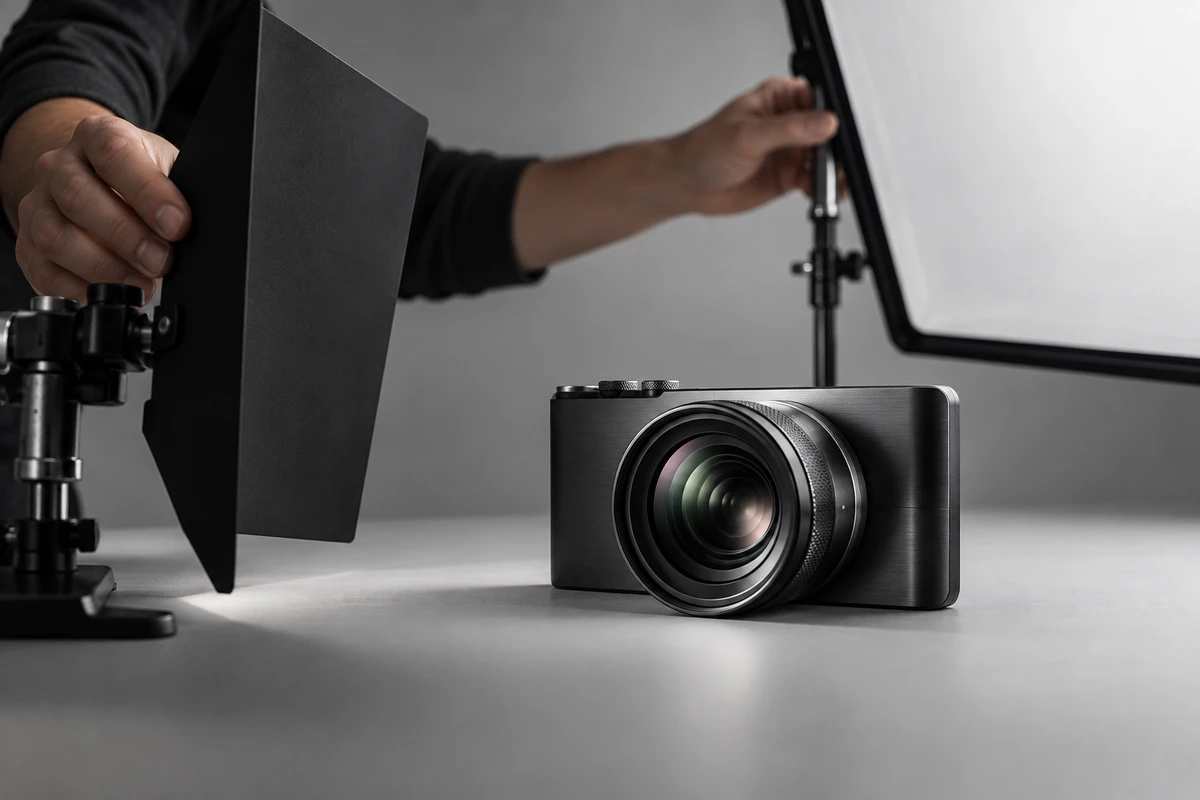
Product videos for AI phones, action cameras, 360 cameras, and smart glasses often lose the line between “this looks impressive” and “this proves something.” The first review question should not be whether the images feel cinematic. It should be whether viewers can distinguish the physical product, the conditions that trigger an algorithm, the device’s actual output, and the finishing added in post. If those four things blur together, polished footage can easily be mistaken for performance the device will deliver consistently under ordinary conditions.
That does not mean every commercial must become a laboratory report. The practical solution is to give every important sample four brief proof points. They can sit naturally inside the edit while still answering the questions a sales team, reviewer, or buyer is likely to ask.
1. Make the product identity traceable
An engineering prototype, review unit, and mass-production unit may look identical while running different firmware. The same device may also switch between lenses, resolutions, frame rates, or computational modes. Before sample footage enters the script, the production team should lock a condition card: device model or internal unit ID, hardware status, firmware build, lens or focal length, capture mode, resolution, frame rate, and which of those details may be disclosed.
The finished film does not need to show the entire card. A clear product detail, the action of choosing a mode, and a concise caption may be enough for the viewer. The full record should remain attached to the master asset. On set, filenames and camera reports should connect each clip to its device, scene, and take. The official Blackmagic Camera specifications list slate name, lens data, reel, scene, take, day or night, and camera ID among the available clip metadata. The larger production lesson is simple: clip identity should travel with the media, not be reconstructed from memory after the edit.
If the device is still a prototype, the wording should say “prototype demonstration” or “feature in development.” Cinematic polish should not make a pre-production unit appear to carry the approval of a shipping product.
2. Put the algorithm’s operating conditions into the story
An “AI camera” feature is rarely one switch that stays on and produces a constant result. Its behavior may depend on light level, subject distance, motion, stabilization, connectivity, or a selected mode. Android’s official Camera Extensions documentation distinguishes Auto, Bokeh, HDR, and Night modes. It explains that HDR combines images made at different exposures, Night uses a multi-frame process, and not every device supports every extension.
That page addresses still-image extensions rather than every video feature, so it should not be generalized beyond its scope. It does, however, illustrate why conditions matter. A night sample should let the audience understand three things: the environment, the enabled mode, and the resulting output. A before-and-after comparison becomes ambiguous if it hides added light, a tripod, an external lens, or a longer capture time.
The same discipline applies to video. If tracking works only at certain resolutions, stabilization introduces a crop, or portrait segmentation has limits in backlight and occlusion, put those facts in the script and review record. Conditions are not negative messaging. They separate a product capability the brand can support from a usage requirement the buyer should understand.
3. Give device output and presentation graphics different jobs
Four different kinds of footage are often cut together and treated as “product footage”:
- live-action product photography proves the body, construction, controls, and physical interaction;
- screen or app capture proves what the user will see in the interface;
- device-output footage demonstrates the imaging result under declared conditions;
- post-production graphics explain invisible algorithms, optics, or data relationships.
They can all belong in one film, but none should impersonate another. For every device-output sample, keep an original master without creative color grading, reconstruction, or artificial enhancement. If the public cut adds reframing, stabilization, grading, sky replacement, object removal, or AI repainting, list those steps in the project record and disclose them wherever they could materially change the viewer’s interpretation.
The US Federal Trade Commission’s advertising substantiation policy says advertisers should have a reasonable basis for objective product claims before publication. FTC advertising enforcement materials also treat the accuracy of product demonstrations under normal use as an important issue. This is not legal advice for a Chinese project or for every market. It is a conservative production principle: when a shot is meant to prove performance, the conditions are no longer incidental behind-the-scenes details.
4. Keep post-production and AIGC changes versioned
Content credentials can help record where an asset came from and how it was edited, but they are not an automatic certificate of truth. The C2PA technical specification describes verifiable provenance assertions and edit information while explicitly avoiding value judgments about whether those assertions are good or bad. Adobe’s current guidance says Premiere and Media Encoder can attach Content Credentials to supported exports, but Adobe does not guarantee that every publishing destination will retain or display them.
The project therefore still needs its own version ledger. For each sample, record the original filename, device and mode, capture conditions, post-production steps, the scope of any AIGC or substantial modification, the approver, and the final versions that use it. If a platform or market has additional rules for AI-generated or significantly altered media, recheck the current local requirement before release instead of treating last month’s workflow as permanent.
Reflective hardware: live action, CGI, or a hybrid?
Imaging devices often combine metal edges, coated lens glass, polished details, and tiny openings. The right production method depends on what the shot must prove, not which method sounds more premium.
When a shot must prove the actual CMF, assembly, tactile control, or interaction between person and device, live action is usually the strongest anchor. CGI is useful for travelling through internal structures, explaining an optical path, creating impossible macro movement, or extending approved geometry into additional colors. But a CGI material is not simply a color swap. Khronos explains in its glTF physically based rendering guide that metallic properties change how a surface reflects light, while roughness changes whether reflections appear sharp or blurred. Without a physical unit, an approved CMF reference, or controlled reference photography, a digital material can drift in highlight width, edge reflections, and apparent glass depth.
For many launch projects, a hybrid is the most defensible choice. Photograph the approved unit for hero angles, operation, and critical sample footage to establish a truthful baseline. Use CGI for internal structures, abstract computation, and controlled version extension. Before compositing, align camera position, focal length, light direction, and material review frames rather than trying to repair the match by eye at final delivery.
Reusing one approved sample across three deliverables
A horizontal launch film has room to establish conditions and result. A vertical short must preserve the device-mode-output relationship in much less time. A sales demonstration should be pausable, allow close inspection, and link back to the original master. All three deliverables may reuse one approved sample, but the crop must not remove the device identity or the condition that makes the result understandable.
The acceptance test should therefore go beyond “does this look good?” Ask whether the source is traceable, the conditions are understandable, the output is not being impersonated by presentation graphics, the modifications can be reviewed, and every format keeps the necessary context. That is how an AI camera product video helps a buyer understand when a feature works, how to use it, and how far to trust the result.
If you are preparing launch content for an AI phone, camera, smart glasses, or another imaging device, organize the device versions, mode list, sample conditions, and delivery channels first. Then review ONCE’s ecommerce product video production service to bring sample proof, product finish, and multi-format delivery into one production plan.