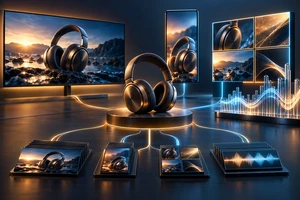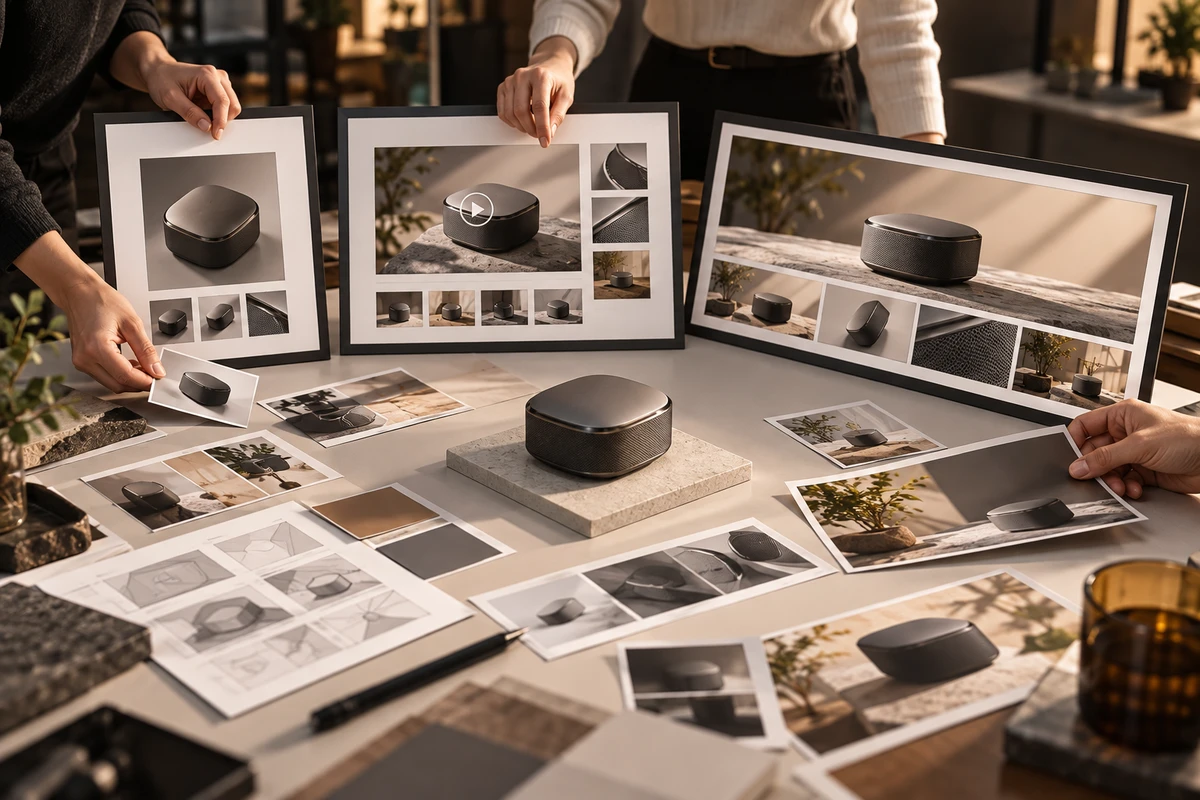
When one product needs video for Amazon's main media block, Premium A+ Content, and a Brand Store, the efficient answer is not to cut one “master commercial” and upload it everywhere. Confirm account and module eligibility first, assign a buyer question to each placement, and then plan one shoot that can supply all three. The shoot day and source footage can be shared. The final timeline, crop, text dependency, cover image, and acceptance route usually cannot.
Check eligibility before commissioning video
Amazon separates Basic A+ from Premium A+. Its current A+ Content overview describes Basic A+ as a mix of images, text, and comparison charts, while Premium A+ adds richer modules such as video, hotspots, and video carousels. Brand Story has a different role: it presents a brand's values and can direct shoppers to a Brand Store. Amazon's September 24, 2025 A+ Content Design Guide also treats video as a Premium A+ capability rather than a default Basic A+ feature.
Before production, the marketplace owner should confirm in A+ Content Manager:
- whether the brand, marketplace, and ASIN have the required permissions;
- whether the plan uses Basic A+, Premium A+, or Brand Story;
- the exact video module in the page wireframe;
- who will submit the content, monitor review, and approve a redesign if the module changes.
Eligibility and available interfaces can change by account and marketplace. A production partner can build to an approved module plan, but cannot guarantee eligibility, approval, or sales performance.
Three placements are not three durations of one edit
Main media: identify the product and its action quickly
A shoppable product video appears in the product detail page's main media block. Amazon's May 12, 2025 product video guide lists formats such as product overview, unboxing, how-to, setup, troubleshooting, and brand story. It also distinguishes these videos from A+ videos placed lower in the product description, where richer storytelling can continue.
This placement is encountered early in the shopping journey. The opening should establish what the product is, what it does, and why the viewer should continue. A long brand prelude or an explanation that only works with voice-over creates unnecessary friction. If an ASIN needs several main-media videos, divide them by buyer question. Then connect those roles to the A+ and Store plan before editing begins.
Premium A+: make video work with adjacent copy
Premium A+ is not merely another place to embed a player. Amazon's API documentation describes a Premium Video with Text Module that can place video beside copy and recommends it for movement, operation, assembly, or multiple uses. Amazon also documents hero-video and video-carousel modules in its Premium A+ module reference.
The module therefore affects the shot. Product action can happen in motion while dimensions, step names, conditions, or comparison points sit in adjacent text and images. The production team needs to know whether the product should favor the left or right side of frame, where negative space belongs, whether subtitles duplicate nearby copy, and how the cover image connects to surrounding modules. “A+ video production” should start with a page wireframe, not with an isolated commercial.
Brand Store: distinguish click-to-play from silent background video
Amazon's current Stores creative guidelines separate a video tile from a background video. A video tile is click-to-play and needs a cover image. A background video autoplays silently, has no player controls, and follows its own duration and layout constraints.
They also serve different navigation jobs. A video tile can explain a category or product story; a background video can establish use context, atmosphere, or a route into a collection. A voice-over-dependent product video is not automatically suitable as a silent background. A single-ASIN story can also be a poor fit for a cross-category Store entrance.
Freeze a placement task card before the shoot
Brand, marketplace, design, and production teams should approve one task card per placement. At minimum, each card records:
- marketplace, brand, ASIN, or Store page;
- placement and exact module, with a current screenshot or wireframe;
- the single shopper question that placement must answer;
- the product action that must be shown, and any claim the visuals must not imply;
- dependence on adjacent copy, subtitles, narration, or sound;
- expected aspect ratio, safe area, negative-space direction, and cover-image task;
- language versions and whether on-screen text must remain replaceable;
- owners for product facts, platform submission, music, talent, and location rights;
- the person responsible for checking the live desktop and mobile result.
This is a production input, not a platform guarantee. If the actual account interface differs from public documentation, update the task card and shot list to match the seller's current tools.
What one shoot can genuinely share
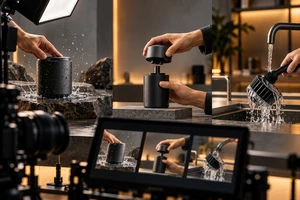
The three placements can share a shoot day if the set captures modular shot packages rather than only enough material for one horizontal hero edit.
First, record a complete, clean master take for every important action: initial state, action, and result. This gives the main-media edit a fast explanation and gives A+ enough continuity for a deeper module.
Second, capture compositional options. In addition to the planned landscape frame, shoot selected actions with the subject favoring either side and with tighter coverage. Store backgrounds must survive silent viewing and interface crops; post-production cannot recover space that was never photographed.
Third, capture cover candidates and text-free masters separately. Each placement's cover image has a different entrance job. Burning copy into the only master increases the cost of marketplace localization and page redesign.
Fourth, maintain ASIN and sample continuity. Color, accessories, packaging, app screens, and functional state should match the intended detail page. A strong brand-atmosphere shot is not evidence for every ASIN or every product claim.
Fifth, log sound and rights. Voice-over, music, talent, and location permissions must cover the actual placements, territories, and term. Generative tools can help explore concepts, storyboards, or selected variants; Amazon Ads also offers generative AI creative tools. Faster generation does not replace product-fact approval, rights clearance, or a human review of each placement.
The failure pattern: one 60-second master everywhere
Imagine a 60-second commercial with a ten-second mood opening, an installation section explained only by narration, and the clearest product action near the end. Uploading it unchanged to all three placements produces three failures:
- main-media viewers wait too long to identify the product;
- the Premium A+ video repeats adjacent instructions but leaves no useful space for the module layout;
- the silent Store background loses its explanation, while the final call to action may be cropped by the interface.
The problem is not production value. It is that one linear narrative has been asked to serve three different reading entrances. Good reuse shares product actions, lighting, locations, and source footage. Bad reuse treats the same timeline as the final asset everywhere.
Deliver and approve by placement
Name deliverables by placement, not only as “master,” “short cut,” and “vertical.” Each package should include the final video, cover image, subtitle or voice files, a text-free master, the relevant ASIN/module/Store note, rights records, and a version number. When page design is still evolving, include agreed clean action shots or a defined set of re-editable source material.
Acceptance has two layers. Production acceptance checks complete actions, product continuity, subtitles and sound, safe areas, and file parameters. Platform acceptance happens after the seller submits the content in the target account and checks actual ordering, crop, cover image, silent behavior, mobile rendering, and review status. The placement is complete only when both layers pass.
If you are planning video across an Amazon detail page, Premium A+, and a Brand Store, send ONCE the marketplaces, ASINs, eligibility screenshots, page wireframes, sample status, existing assets, and launch date. We can separate placement-specific tasks from the footage that can be shared, then recommend a full production, a focused pickup shoot, or an edit based on usable material. You can also review ONCE's Amazon video solution and broader cross-border content services; exact modules, availability, and scope remain subject to project confirmation.