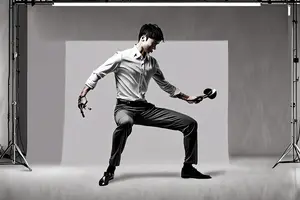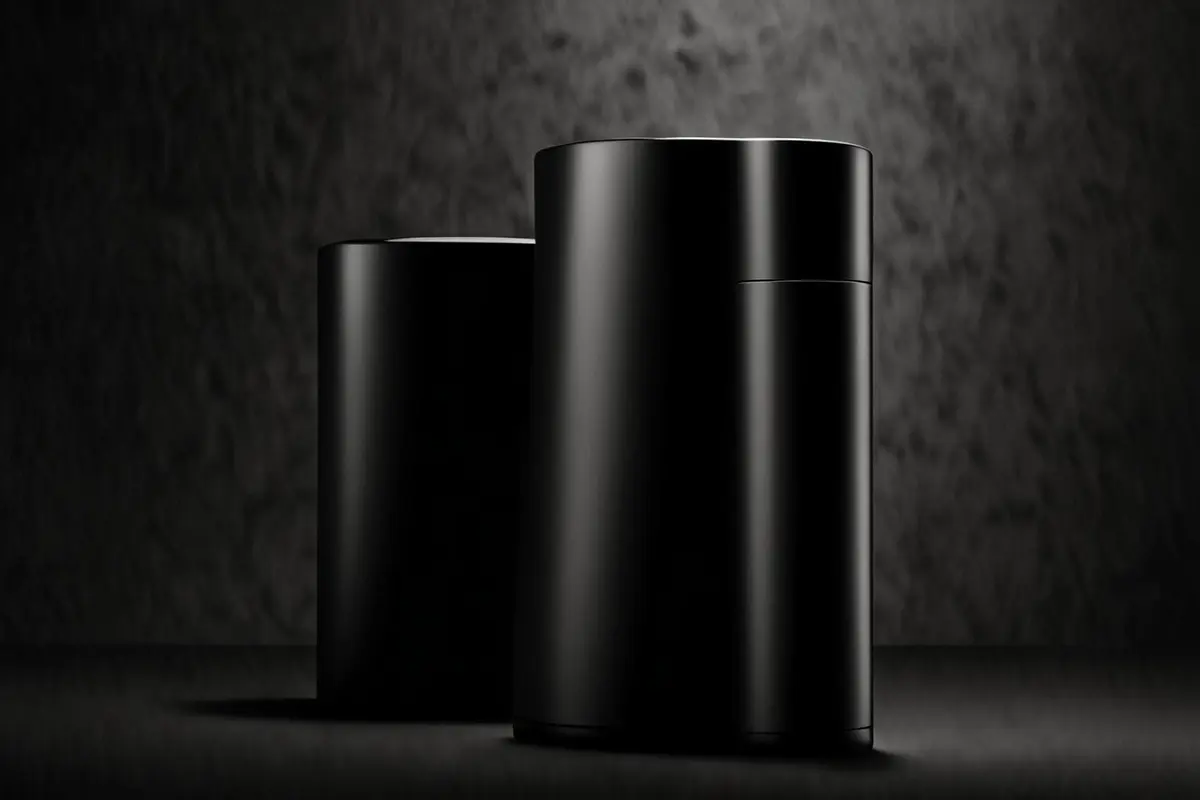
In an AI-generated product video, the object can keep its shape and material yet still feel as light as a flat cutout. It crosses the frame with a uniform mist around every edge, stops without inertia, and meets the surface without a convincing change in occlusion. Individual frames may look polished, but the sequence has lost physical weight.
The problem with motion blur in AI product video is rarely the simple absence of blur. The real question is whether the blur belongs to the motion. In live-action photography, blur records image displacement during an exposure. It changes with speed, direction, depth, camera movement, and occlusion. When generation or compositing treats it as a global filter, the cues for speed, inertia, and contact disagree. The product then feels lighter, more slippery, or entirely without volume.
Motion blur records time rather than softening an edge
Adobe's After Effects documentation explains that a frame represents a span of time. A moving object occupies more than one position during that span, producing blur. Shutter angle controls the simulated exposure duration, while shutter phase controls when that sampling occurs relative to the frame. At 24 fps, a 90 degree shutter produces an effective exposure of about 1/96 second. That relationship is useful for calculation, but it is not a universal creative setting for every commercial shot.
The same product should therefore not carry an identical blur length through every stage of an action. The trail develops during acceleration, becomes more stable at constant speed, shortens during deceleration, and returns to a clear contour after the stop. If a generated product has the same smear from the first frame to the last, blur is no longer describing motion. It is hiding temporal errors.
Why the wrong blur can make a product feel faster and lighter
Visual research shows that motion smear can contribute to speed judgments. Controlled experiments on apparent speed under low luminance found that a moving stimulus with blurred edges could appear faster than one with sharp edges. Other work also shows that the visual system can sharpen some moving edges perceptually. These findings do not create a formula in which more blur automatically makes a product lighter. They establish that blur is not a neutral decoration: it changes how motion is interpreted.
Perceived weight comes from several cues working together. Viewers see how the object starts, whether it carries inertia, how it changes direction, what force stops it, and how the contact surface responds. If one frame presents a long speed trail but the next allows a substantial device to stop instantly, the speed cue overwhelms the mass cue. The object seems to have been dragged along a timeline rather than moved by a real force.
Too little blur is not automatically more realistic
Perfectly sharp frames create a different failure. Fast motion breaks into a series of discrete positions, and the object begins to look like a model moving frame by frame. Adobe also distinguishes motion blur from frame blending: when the frame rate of existing footage changes, temporal interpolation should be evaluated before applying blur to an entire layer.
Realism comes from matching trajectory length, direction, and exposure logic, not from adding a fixed amount. ONCE's earlier guide to matching depth of field and motion blur in AI-composited product video covers the broader live-action integration problem. This article extends that discussion to perceived mass and tactile credibility.
Identify what is moving before deciding what to blur
The central review question is not whether a frame feels smooth. It is where the relative motion comes from. Product movement, a pushing hand, a camera pan, and background parallax create different blur relationships. Combining them into one direction can look less convincing than leaving the shot sharp.
The product and operator must share the same force
When a hand pushes a product, the contact region should maintain a stable relationship through the same time sample. If the fingers move right while the product trail expands in another direction, the two no longer appear connected. In a rotating product, image displacement is smaller near the rotation center and larger at the outer edge. A uniform linear blur across the object turns rotation into flat sliding.
The same principle applies without a person. A robot arm, turntable, conveyor, or particle effect provides a reference for relative speed. If the product carries an independent smear that is absent from the device supporting it, it appears to float above the mechanism. Blur must follow the force relationship, not only the subject mask.
Camera motion and object motion need different blur maps
During a fast camera pan, the background may move in a broadly consistent direction. If the camera tracks the product, the product can remain comparatively stable. Generative video often interprets “dynamic” as stretching both subject and background together, producing neither a stable tracked subject nor a clear displacement against a locked camera.
Choose a reference in the frame. For a tracking shot, check whether critical product geometry remains readable while background blur changes with depth and parallax. For a locked shot, check whether the product trail follows its real travel direction while the environment stays stable. The blur strategy cannot be inferred from the mood of a single still.
Contact, occlusion, and stopping reveal generated motion
As a product approaches a surface, passes behind a foreground object, or enters a hand, its front-back relationships change continuously. Blur in a real exposure remains constrained by occlusion. A hidden edge does not glow through the foreground, and a contact point does not develop a second contour. Generated footage often leaves translucent edges, repeated highlights, or a trail that arrives before the object, making the product feel physically unbounded.
The stop is especially revealing. An object with mass transfers motion into a hand, a support, or internal damping. Even without visible deformation, the viewer should see deceleration, stabilization, and contact feedback. When a long smear is followed by a completely static frame with no transition, time appears to have been cut. Repair may require more than blur: the action curve, contact shadow, local reflection, and sound tail may all need revision.
Logos, buttons, seams, and illuminated interfaces should not be uniformly painted over. They may become less readable during fast movement, but they should not rearrange, duplicate, or turn into different structures. If a feature must remain precisely identifiable during a rapid action, pure generation may be the wrong production method.
Build a reference baseline instead of searching for one shutter angle
A useful reference does not need to be a finished commercial. The team can film a simple sample action at the planned frame rate: start, travel, turn, and stop the real product while recording shutter, focal length, camera position, and movement speed. The clip is not necessarily a final asset. It establishes how trajectory length, edge clarity, and contact change under those conditions.
In a hybrid workflow, decide which layer owns the timeline. A live-action subject, a real camera move, or deterministic 3D animation usually provides the temporal reference. Generated backgrounds and local enhancements should follow it. Applying global blur to the final composite can damage product edges, logos, hands, and depth relationships at once.
When product geometry, functional movement, or material reflection must be exact, live action or CGI is a stronger foundation for the core motion. AIGC can extend the environment, shape atmosphere, create transitions, or alter details that do not change the product claim. The goal is not to prove that AI can make every shot. It is to preserve credibility while the product moves.
Review smoothness through four separate passes
First, watch at normal speed and record the immediate impression: does the product feel stable, light, precise, or weightless? Second, watch acceleration and stopping without sound, checking whether the product, operator, support, and camera belong to one motion. Third, inspect frames for trail direction, occlusion edges, duplicated geometry, and contact points, identifying whether the fault comes from generation, masking, or motion vectors. Fourth, restore the soundtrack and check whether onset, friction, impact, and decay occur with the same speed change.
This process turns “it feels floaty” into actionable feedback: the blur direction is wrong on one layer, a stop lacks deceleration, an edge passes through an occluder, or the sound gives the light product too much mass. It also prevents a local problem from being solved by making the entire film softer.
Motion blur in AI product video ultimately serves product understanding. It cannot replace real specifications, and it should not exaggerate speed, impact resistance, or mechanical performance. If you are producing a generative product campaign or a live-action and AI hybrid, talk to ONCE about building a credible motion baseline from sample action through final compositing.
Sources: Adobe, Motion blur in After Effects and Pixel Motion Blur; Vaziri-Pashkam and Cavanagh, Apparent speed increases at low luminance, with related visual-perception research. These studies explain perceptual mechanisms and do not guarantee advertising performance.