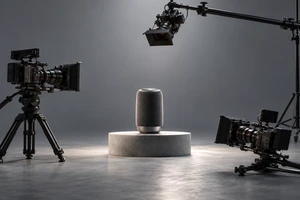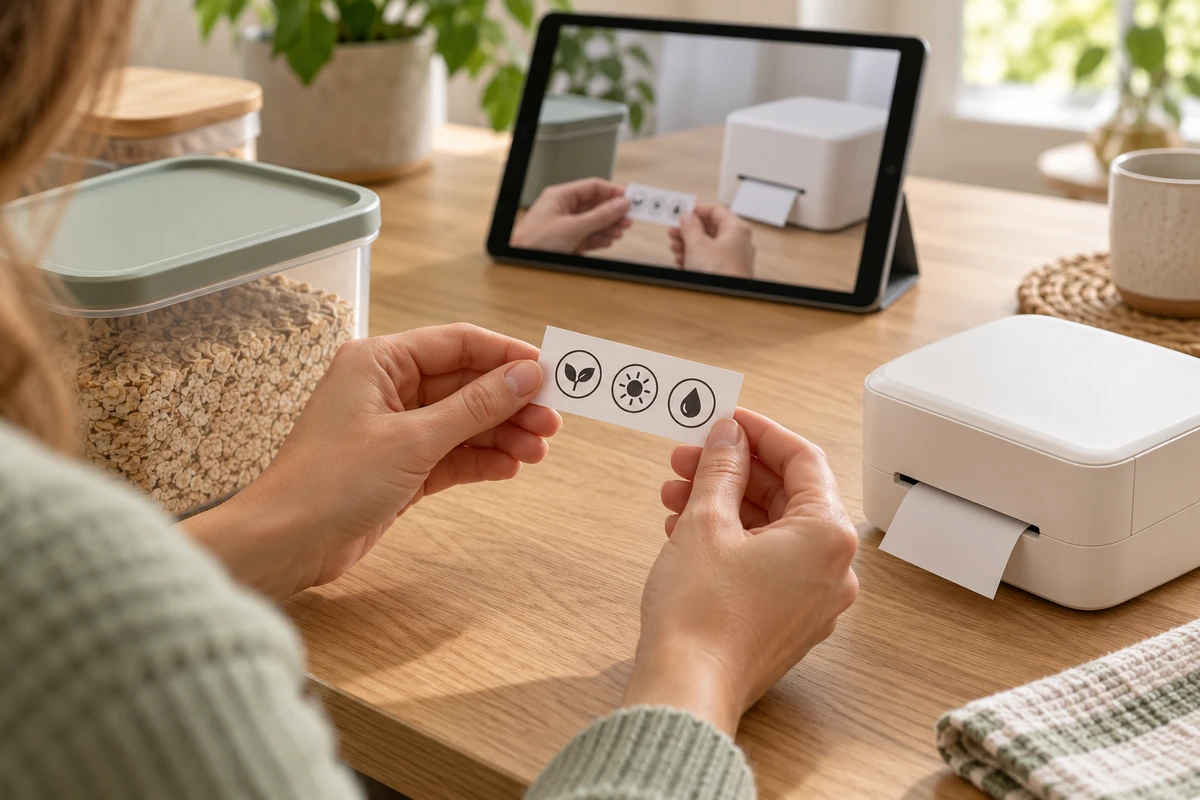
In an advertisement, one beautifully executed product action may be enough to show what something does. In a product tutorial video, the same shot may leave important questions unanswered: where does the hand go, what state should the device be in, what happens after the control is pressed, and how can the user tell that it worked?
First use calls for a different editing logic from making someone want to buy. The viewer already owns the product. What they need is confidence in using it. A useful tutorial does more than turn a manual into voiceover: it helps an unfamiliar user complete a specific task and recognize the result.
Define the Result, Not the Number of Features
An overview of every feature and a first-use lesson are different pieces of content. The overview builds a mental map; the lesson needs a clear destination. Adding every department’s favorite feature can leave a beginner impressed but unsure what to do next.
Consider a hypothetical desktop label printer. This is a script-development example, not instructions for a real model or an ONCE client case. A suitable task might be to complete the preparations required by that model, create a label and print a usable first copy. Font collections, batch printing and advanced layouts do not necessarily belong in the same lesson.
Even “print successfully” is too vague as an ending. Show what completion looks like: whether the output matches the preview, how it is retrieved according to the product instructions, and whether anything remains to be done. The product team must confirm the actual criteria. The film cannot invent a success indicator that the device does not have.
Establish the starting point as well. Identify the model, required accessories, any setup already completed and the app version before the demonstration begins. A device configured beforehand by the crew should not appear to represent an untouched product straight out of its box. Preparation can have its own chapter, but it cannot simply disappear.
Google’s Procedures documentation guide, updated October 9, 2026, recommends providing context and explaining relevant actions and results. It is guidance for written instructions, not a video-effectiveness study. The useful implication for filming is that an action needs a recognizable starting point and consequence, not just a verb in the script.
Keep the Moment After the Action
Pressing a control is easy to film. Showing whether the press registered is easier to overlook. If the finger lifts and a polished transition immediately reveals the finished output, an experienced user can fill in the gap. A beginner has to guess.
In the hypothetical printer example, connect the verified control location, the action, the device or interface feedback and the output. If feedback appears on a phone, establish its relationship to the printer before cutting to it. When the edit returns to the device, its state must still make sense. Each new shot should not require the viewer to rediscover the setup.
This does not require one uninterrupted take. Continuous action explains relationships; close-ups clarify details; an overhead view can establish positions; screen capture can make an interface legible. A cut should add understanding rather than merely add another camera angle. If the demonstrator’s hand hides the control, adjust the action or viewpoint instead of expecting an arrow in post-production to solve everything.
Waiting needs to be communicated too. Uneventful time can be shortened, provided the edit identifies acceleration or omitted waiting and uses verified product information to explain the state the user should wait for. Removing every delay can make normal operation look like a malfunction. Splicing several attempts into one apparently effortless operation is not an honest substitute.
Art direction can be quieter than in a commercial. Props should not conceal accessories, reflections should not obscure indicators, and shallow focus should not soften a crucial control. A tutorial can still look considered and attractive. Its finish should make the operation easier to recognize, not turn the background into a reason the viewer cannot find a button.
Leave a Route for When the Product Looks Different
A beginner’s problem is often not total ignorance but a mismatch: “My screen does not look like that.” A film showing only the ideal path may give them no way to tell whether they missed a step, have a different model or should stop.
The main lesson can follow one normal route appropriate to the target model. Alternative methods, advanced uses and lengthy troubleshooting can live elsewhere. At likely branching points, however, explain how users recognize their current state and where to find the applicable guidance.
Suppose the film shows a ready state that never appears on the viewer’s device. The script should not casually advise pressing the control again. The product team must provide a verified next step: return to a preparation stage, consult a specific official instruction or contact support. Safety warnings, stop conditions and necessary actions cannot be removed to shorten the film. A tutorial also cannot replace formal instructions the manufacturer requires users to read.
Before filming, ask the product owner which differences are normal and which mean the user must not continue. The film need not demonstrate every fault. It must avoid implying that any mismatch can be solved by copying the next action.
The trade-off is between a smooth main path and a clear route to help. Every branch in the main film interrupts the task; acknowledging none makes the lesson work mainly for people who already know what to do.
Make It Easy to Pause, Find and Follow Without Sound
A tutorial need not inherit an advertising runtime. A more useful chapter break comes when the user has completed a recognizable small task, can inspect the result and can decide whether to continue. Name chapters after tasks, such as preparing materials or making the first label, rather than “Amazing Feature One.”
Return points should match questions. Someone checking a loading direction should not have to replay the brand introduction. Use chapters where the player supports them, or a short-video directory and written instructions where it does not. Control names, supported versions and essential static information should also be available as reference text rather than only as fleeting frames.
The W3C WAI Captions/Subtitles guide, updated September 17, 2024, explains that captions convey speech and non-speech audio needed for understanding. Automatic captions need accuracy checks. In a tutorial, review model names, negatives and action words carefully. If a sound confirms a state, that information should not exist only in the soundtrack.
Keep captions clear of hands, connections and feedback areas. Try the video at its actual phone viewing size before adjusting framing, caption placement and reading time. These are communication considerations, not a claim that adding captions satisfies every accessibility requirement.
Clear instructions do not require a patronizing tone. Beginners are unfamiliar with this product, not incapable people. ONCE’s discussion of choice and agency in product ads for older adults explores a related issue: respect the viewer’s judgment rather than treating assistance as a reason to take it away.
Watch a Beginner Use It Before Judging the Film
A review meeting can easily stop at “It looks smooth.” People involved in production already know what happens next. A more useful creative check is to let someone outside the production team, resembling the intended user, follow the film with the corresponding product version under suitable, safe conditions.
Do not rush to prompt them. Note where they pause, which actions leave them uncertain, whether they misread feedback and whether they can judge the final result themselves. When a point causes difficulty, distinguish missing instruction from an interface change or a usability problem in the product. Voiceover cannot repair every underlying difficulty.
Pausing and replaying are not automatically failures. Low completion may mean users skipped to the relevant chapter and finished their task. Repeated viewing may indicate careful practice or unclear instruction. Playback data alone cannot distinguish these explanations; observation and user feedback are needed.
A small trial can reveal problems but does not establish reductions in returns or support costs. Any later business evaluation needs to consider sales volume, customer mix, product updates and other service changes rather than assigning every simultaneous change to the video.
Someone also needs to keep the lesson applicable after release. State the model and version on its page. When an interface or procedure changes, review affected footage, captions, written instructions and entry points. AI can help organize an approved script or draft a translation, but shots that teach where to act and what happens next should come from actual product records or verified demonstrations. Generated imagery must not become the basis for an operating instruction.
A brand film promises a better experience before purchase. A product tutorial helps that experience begin afterward. Bring the current manual, an actual operation recording and common first-use questions to ONCE’s product and video production solutions to discuss how to make the first successful use clear.
Sources checked October 14, 2026. References are Google’s procedure-writing guide and W3C’s captioning guide. Filming methods, the label-printer scenario and trial suggestions are editorial analysis, not authorized product instructions or verified client outcomes. The cover is an AI concept image, not an operating demonstration for an actual model.