One of the most expensive problems in a 3C product video is not bad lighting. It is discovering on shoot day that nobody agreed on what the product should actually look like. The creative team is judging mood, the product manager is watching the UI state, ecommerce is worried about vertical overlays, and the camera crew needs a precise answer for metal, glass and plastic.
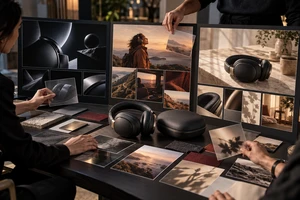
A better approach is to approve five test frames after the visual direction is chosen but before the final call sheet. These are not five attractive references. Each frame closes a different decision: material rendering, screen-to-body exposure, functional state, human interaction, and channel-safe composition.
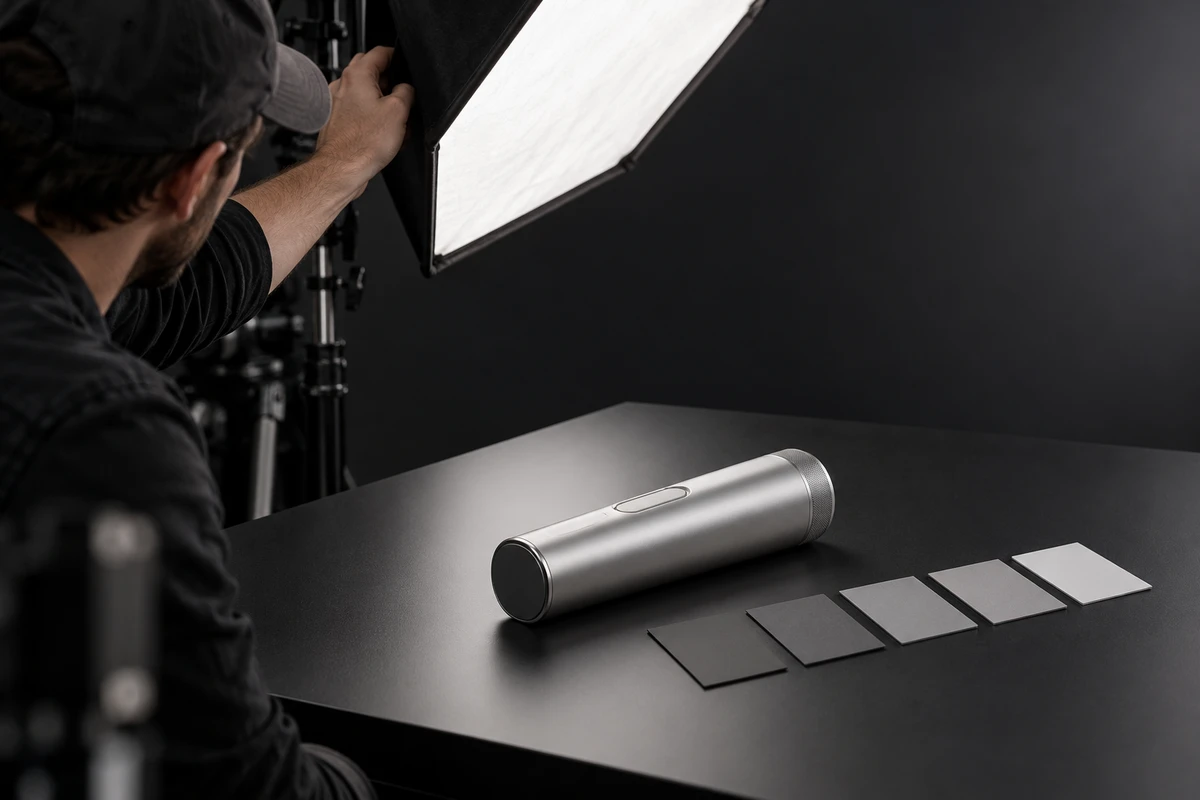
The example below uses a hypothetical AI voice recorder with an aluminium body and touchscreen. It is not an ONCE client project; it is simply a concrete way to show how the review works.
Do not ask whether the frame looks good. Define what it approves.
One hero image may earn a quick nod from everyone while hiding five unresolved questions inside “the overall feeling.” Separate the test frames because the approver, acceptance condition and downstream owner are different for each one.
If you are comparing production environments, ONCE's U-STUDIO in Shenzhen shows the studio, white cyclorama and practical sets available for controlled product work. The point of the five-frame review is to decide what those spaces and lighting setups must prove before principal photography.
Frame 1: material rendering
Choose the three surfaces that carry the design language—for example, bead-blasted aluminium, glossy glass and translucent plastic. Keep the set simple. The approver should be able to see whether:
- the metal highlight remains continuous rather than breaking into random hot spots;
- the glass edge stays separate from the background;
- the plastic avoids an unintended greasy, cheap or muddy appearance;
- the approved product colour survives the monitoring pipeline.
The industrial-design or brand-design owner approves this frame. Replace “premium enough” with an observable sentence: “The bead-blasted texture remains visible around the corner, the glass edge separates from black, and no highlight covers the port.”
Frame 2: screen and body exposure
A display emits light; the body reflects it. Forcing both into one exposure often makes one correct and the other misleading: UI whites clip, or the body collapses into a silhouette.
Record the UI version, screen brightness, camera shutter, lighting level and monitoring transform with the test. A useful acceptance statement is: “Core UI labels remain readable, white areas do not clip, and the front surface retains material separation. If the screen is replaced in post, the replacement must preserve real reflections, perspective and finger occlusion.”
A still cannot approve flicker. Sony's current camera help distinguishes anti-flicker capture from variable-shutter control and warns that the monitor preview may differ from the recorded image. That is a device-specific document, not a universal camera prescription. The transferable lesson is to record a moving test with the project's actual camera, frame rate, shutter and product mode before approval. Sony explains the distinction here.
Frame 3: functional state
Assume the promise is: “Press the side button to start live transcription.” The frame should lock at least one explicit point in the chain—before state, touch point or after-state—and its note should state how the other two will be filmed.
The product manager is approving facts, not motion graphics:
- What is visible before the action?
- Which physical action triggers the feature?
- What feedback appears on the display, light or speaker?
- Which claims about accuracy, duration or performance cannot be proven by this shot?
After this frame is approved, the director still needs one uninterrupted action test. A still can verify UI and composition, but it cannot prove timing, sequence or whether editing will cause viewers to misunderstand the feature.
Frame 4: the hand-product relationship
The moment a person enters frame, viewers gain scale. But “a hand holding the product” is not adequate action direction. The test must define the thumb position, what the palm hides, whether ports remain visible, the eyeline, and the distance between the person and the device.
For the hypothetical recorder, give the performer one real task: pick it up with the right hand, press the side button with the thumb, then place it between two speakers. Choose the moment of contact as the test frame. Pass it only if the button is visible, the finger does not cover the brand or microphone opening, the wrist looks natural, and the full action can be completed without a jump cut hiding awkward use.
The director and product owner should approve this frame together. Then record the complete action and its practical sound. A still cannot tell you whether a click, hinge, magnet or alert sounds right.
Frame 5: landscape and portrait safety
The same product action can share lighting and performance across versions. That does not mean a 16:9 centre crop automatically becomes a useful 9:16 asset. Overlay both landscape and portrait guides on the test and decide where each of these belongs:
- product outline and action point;
- likely caption and platform-interface areas;
- headline negative space;
- performer eyeline and movement direction;
- ports, screen feedback or marks that must not be cropped.
TikTok's current reservation in-feed specifications state that the safe zone changes with orientation, caption length and interactive add-ons, and recommend choosing the matching template and using the preview tool. There is no single permanent safe-zone number to approve. Record the intended placement, caption length and add-ons, then preview the actual asset before launch. See TikTok's current specification.
Google Ads likewise lists landscape, portrait and square recommendations and notes that overlays and buttons can appear in different places depending on the format, campaign and screen. Review the current Google video-ad specifications rather than treating one crop guide as universal.
Five approved frames still need three motion tests
Test frames establish a visual baseline; they do not replace movement. Before the main shoot, add three short clips:
- Product-motion test: complete one turntable, push, pull or open-close move. Look for jumping highlights, lost focus and unnatural motion blur on small structures.
- Functional-interaction test: record the full chain from initial state to action to feedback. Check UI timing, screen flicker, connection state and performer pauses.
- Sound test: isolate buttons, hinges, magnets, fans and alerts, plus a room-tone sample. Do not assume a generic library effect will represent the product.
If generative tools may extend a frame later, keep the real landscape and portrait tests anyway. Adobe's May 2026 Generative Extend FAQ lists explicit resolution, frame-rate, bit-depth and feature constraints. The tool may solve a defined extension task; it cannot approve product scale, real reflections or hand contact for the brand.
Turn comments into a one-page approval record
Adobe Workfront's April 2026 review documentation separates reviewers from approvers and uses explicit outcomes such as Approve, Approved with changes and Needs work. The software is optional; the important point is to avoid a group chat in which everyone can comment but nobody owns the decision. Adobe documents that workflow here.
Use the same six fields for every frame:
- Decision: material, screen, function, hand or channel composition.
- Version: date, sample ID, UI build, lens and lighting setup.
- Approver: the person with authority to close this decision.
- Pass conditions: no more than three observable requirements.
- Open issues: items that still need motion, sound, platform preview or post tests.
- Downstream action: who transfers the result into the lighting diagram, storyboard, call sheet, product-state log or post brief.
If one image has correct material but the wrong UI, do not average the comments into a pass. Approve the material decision and send the screen decision back. This prevents one department's “approved” from overwriting another department's factual error.
When you do not need all five
A simple still-life ecommerce shoot with no screen or person can remove the screen and hand tests. A batch of standard white-background SKUs may use one shared material baseline plus an exception for the hero product. But once the project combines a display, real interaction, a performer or several channels, compressing all five decisions into one mood reference is false economy.
When scoping a commercial or product video production, put the test frames into the deliverables: who creates them, when they are due, how many focused adjustments are included, and which conditions become fixed after approval. That makes supplier comparisons about more than shoot days; it shows whether the team can finish the image decisions before the camera day.
The baseline is not a miniature final film
The five frames answer five separate questions: Is the surface accurate? Can the screen and body coexist? Is the functional state true? Can the performer complete the action? Is the composition safe for each destination? Once those answers are approved, motion, sound and platform preview still require their own tests.
If you are planning a 3C product video shoot in Shenzhen, send ONCE the product, target markets, channels, creative references, sample and UI status, schedule, and budget range. We can use that brief to identify the five frames worth testing and the conditions that must be resolved before principal photography.