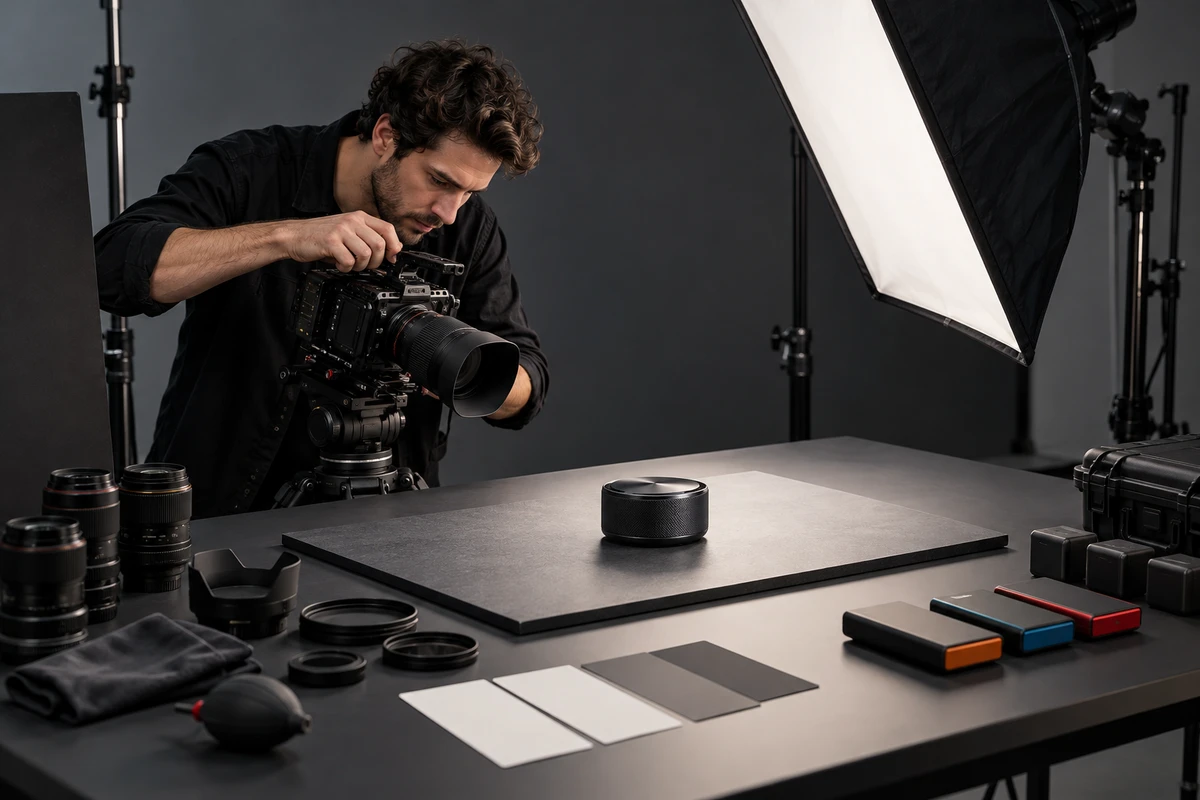
Imagine a perfectly plausible delivery day. A 30-second product film has been approved, and the ecommerce team adds three destinations: an Amazon detail page, a TikTok ad and a YouTube campaign. The horizontal cut is cropped vertically. The operator's hand disappears. Moving the captions into a safe area covers the control panel. Files named “final”, “final-2” and “final-revised” circulate in chat, and no one can connect them to the approval that created them.
This is not merely an export problem. What is missing is a version map maintained from the script onward. Every shot needs a stable identity: why it exists, which compositions it can support, which product claim it carries, who approved it and which deliverables were derived from it.
In cross-border ecommerce video production, multichannel delivery should not mean mechanically cropping one master into three shapes. A more reliable workflow starts with the job each placement must do, then uses the same asset IDs across the script, camera report, edit timeline and delivery package.
The missing version usually began as a missing shot
A wide shot may hold a person, a product and the surrounding room. A 9:16 crop often preserves only one of those elements. If the storyboard merely says “talent picks up the product and demonstrates the feature,” without marking that the vertical version must retain both the hand movement and interface, post-production can only choose among compromises after the shoot.
Information order changes as well. An Amazon detail-page video is typically doing pre-purchase explanation. A TikTok ad may need to enter the action much sooner. A YouTube ad may have different duration and composition recommendations depending on the campaign type. Calling all three “30-second versions” says nothing about the opening, captions, brand identification or final action.
Platform documentation checked on October 8, 2026 shows why a destination name is not a complete specification. Amazon's US Shoppable Video guide lists MOV or MP4, up to 1080p, horizontal 16:9 or vertical 9:16, and a duration of 1 to 12 minutes, alongside content and rights requirements. TikTok's ad format policy, updated in April 2026, lists 5 to 60 seconds, 9:16 / 1:1 / 16:9, audio and dynamic visual requirements for covered markets. Google Ads specifications separate horizontal, vertical and square recommendations by campaign type.
These pages are examples, not a permanent universal checklist. Before delivery, the media or store owner still needs to verify the target account, market, placement and current requirements. A production company cannot guarantee platform approval.
A useful version map manages shot purpose before filenames
The version map should not be assembled at the end as a list of files. Build it when the storyboard is approved and make it answer six groups of questions.
1. What buyer task does this shot perform?
Give each shot a stable ID, such as P01-A03, rather than calling it “product close-up.” Record the SKU, benefit, action that must remain visible, allowed product state and approved claim. When an editor sees P01-A03, they should know that it proves dial adjustment, not that it is interchangeable atmosphere.
2. Can it genuinely support horizontal, vertical and square?
Mark subject protection, caption space and possible crop direction on the storyboard. A critical action intended for both 16:9 and 9:16 may be shot once with deliberate protection, or it may need separate horizontal and vertical takes. High resolution is not permission to crop carelessly. Composition, eye line, hand movement and shot size still change.
3. Which take was captured, and is it usable?
The camera report should connect card, filename, take, product state and director selection to the same asset ID. For actions involving assembly, pouring, illumination or connection, record reset time and continuity as well. Otherwise, the editor receives a dozen similar clips and has to guess which demonstration is functionally correct.
4. Who owns the master and the derivatives?
Separate the picture master from platform upload files. The master preserves the approved sequence, sound and high-quality output. Derivatives handle aspect ratio, duration, burned-in captions, loudness, thumbnail and platform file limits. If the client needs camera originals, textless versions, split audio, subtitle files or editable projects, list them separately in scope. “Final film” should not silently mean every production asset.
5. Which changes travel upstream?
Changing a caption typeface may affect graphics only. Changing a product specification can affect copy and images. Turning a 16:9 master into native 9:16 may require a re-edit or a reshoot when the action falls outside the protected area. The map should record who requested a change, the versions affected, the owner and approval time—not leave the instruction as “please update the vertical cut” in a chat thread.
6. Where will each file actually go?
Each delivery row should state market, account or store, placement, aspect ratio, resolution, duration, container, audio, caption language, thumbnail, deadline and approver. An Amazon detail page, Amazon ad, TikTok ad and brand-owned account are not the same destination. Accepting MP4 does not make their content restrictions, duration or review logic identical.
Put the map into four production gates
Script approval: define version tasks before timing the voiceover
The first page of the script should list actual deliverables, not “one hero and three shorts.” A useful list might include a US Amazon product overview, a US TikTok 9:16 ad, a vertical YouTube Shorts cut and a silent Shopify product-page loop. Each needs a viewing context, information job, target ratio, duration range, language and approver.
Then tag critical shots as shared, separately framed or master-only. This determines the shoot: whether composition must change, whether clean plates are needed, whether an action should be recorded without narration and whether the crew should hold a frame for thumbnail options. Making the differences visible in the storyboard is cheaper than discovering them across multiple post-production revisions.
On set: hand off IDs, not memories
Script supervision, camera and the product owner should work from the same shot IDs. After an important action, review three questions: Is the action complete? Is the product state accurate? Does the target composition preserve the important information? If a take only works horizontally, mark that limitation on set.
For shots intended for compositing or generative extension, also log clean plates, tracking references, product reference images and the provenance of human-made and generated assets. Adobe's Content Credentials overview, updated August 25, 2026, describes metadata that can document how content was captured, generated or edited. Whether to use it, whether a destination preserves it and what disclosure is required still depend on the project and market. Metadata is not a substitute for rights review.
Post-production: let the version tree grow from an approved master
Approve structure and product facts before spending effort on color, sound, captions and placement adaptations. If the picture master is still changing, opening ten language and aspect-ratio timelines creates avoidable rework. The version map can move each asset through clear states: edit pending, internal review, client review, picture locked, placement adaptation, upload test and accepted.
File naming should mirror timeline versions and use sortable dates
and leading zeroes. Adobe's
Premiere
project guidance explicitly advises against using “final” for
versioning and recommends keeping timeline and export numbers in sync.
SKU01_US_TikTok_9x16_EN_v05.mp4 is much easier to trace
than US-vertical-final-2.mp4.
Delivery acceptance: test the destination, not only the review link
The delivery package should distinguish the high-quality master, upload files, subtitle files, thumbnails and version manifest. After upload, the ecommerce or media owner should check the first frame, crop, caption safe area, audio, thumbnail, product association and language in the real page or ad preview. Playback in a cloud review window does not prove correct presentation at the destination.
If the team is still deciding whether buyers understand the product, use a buyer-task rough-cut review to separate edit fixes from reshoots. The version map addresses the next problem: how approved content is derived, handed off and published correctly.
The counterexample: treating a 4K master as a universal master
Resolution creates crop room. It does not repair information order, caption placement or an incomplete action. A 16:9 shot with the operator on the left and the product result on the right may lose half the meaning when cropped to 9:16, even in 4K. If the vertical cut also needs to reach the benefit sooner, this is no longer a crop problem; it is a different shot structure.
What can be shared are assets designed for reuse: clean product actions, self-contained feature close-ups, protected talent frames, textless plates, isolated location sound and properly licensed music. The map identifies which materials can be reused and which deliverables require new work.
Completion means anyone can answer five questions
At handoff, brand, production and ecommerce teams should all be able to answer:
- Which SKU, market, placement and language does this file serve?
- Which approved picture master was it derived from?
- Who verified platform requirements, and on what date?
- Do the licences for captions, music, fonts, talent and third-party assets match the intended use?
- Who completes the final check in the live page or ad preview?
If any answer requires a search through chat history, version management is not finished.
Start with one real delivery list
A mature ecommerce video production workflow does not begin with one “universal” film and unlimited derivatives. It decides at script stage which shots can be shared, which versions need their own design and who approves each transition, so every file returns to a clear publishing task.
If you are planning a product launch, send ONCE the product link, target markets, exact placements, sample status, launch date, languages and expected versions. We can first turn those inputs into an ecommerce video production checklist, identify which shots should be captured together and which platform versions need separate treatment, then define the filming and post-production scope.