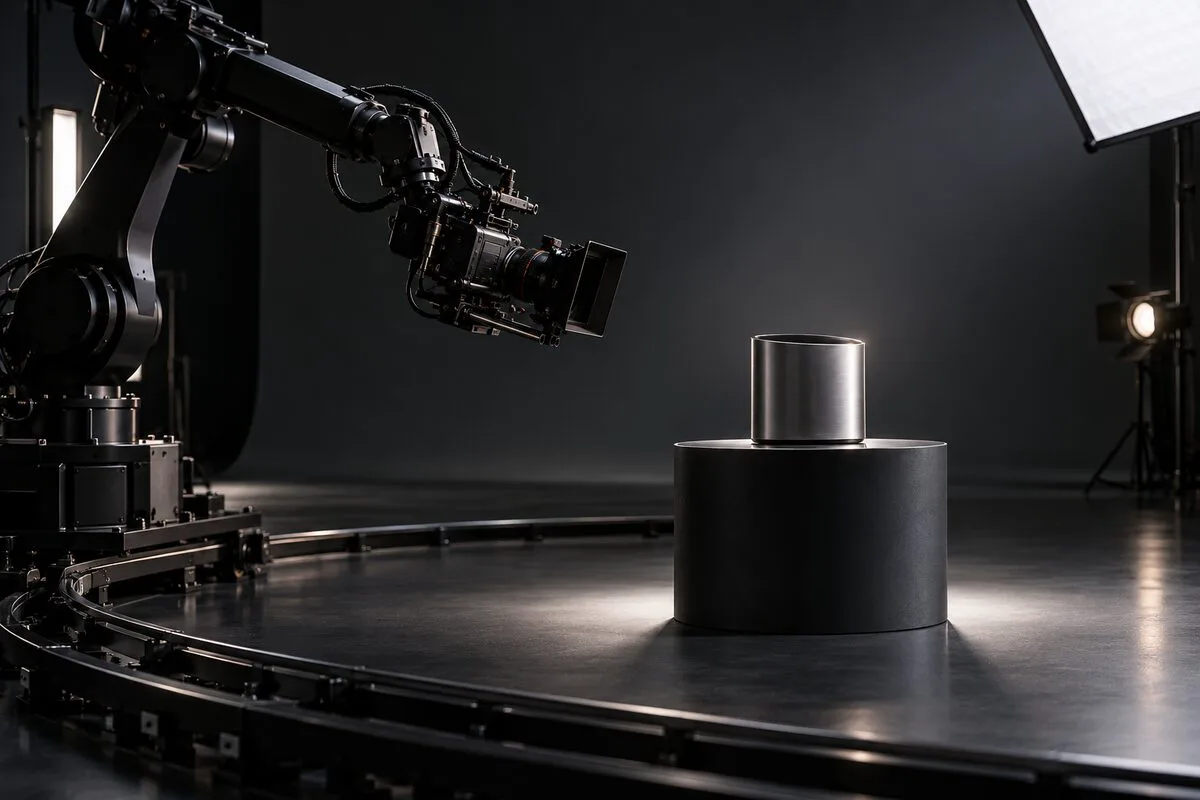
In a product-film budget, a cinebot is often the most visible equipment line—and the easiest one to misjudge. Some teams treat it as a guarantee of “premium” production and assign every push, slide and orbit to the robot. Others see the equipment, operator and previsualization costs and replace every move with a slider or handheld camera. Both approaches miss the useful question: does the shot derive its value from the robot’s speed, stopping accuracy, repeatability or coordinated multi-axis movement?
Robotic camera product advertising should not begin with “Do we rent the robot?” It should begin with the shot list. Protect the three types of shot that are genuinely difficult to execute without motion control, then give ordinary linear moves, natural following shots and simple turntable views to simpler equipment. That concentrates the budget where viewers can see the difference and makes scheduling and on-set safety easier to control.
1. High-speed moves that must stop on an exact product detail
The first strong use case is a fast approach, orbit or pass that must settle within a narrow window to reveal a logo, port, material transition or functional action.
The challenge is not speed alone. Speed, path and the final position all have to work together. The camera might sweep past the rear of a product and stop on the front just as a light strip turns on. Or it might travel through foreground packaging and land focus on an internal component at the moment the box opens. An operator can create a more organic feel, but every arrival point, angle and timing cue will vary slightly. If the shot also has to synchronize with lighting, a product mechanism or high-speed capture, that variation can create repeated takes.
On its official Bolt product page, MRMC describes precision high-speed camera movement, repeatability, lens control and external triggering. The commercial value is not simply that a robot can move fast. It is that the director can turn a fast idea into a path, speed curve and stopping point that can be tested and then reproduced.
If the camera only needs to travel slowly from point A to point B, with no tight clearance, exact stop or event synchronization, a motorized slider will usually be simpler. Ask one question: if the move were slower and lost one axis, would the product information still be complete? If yes, the shot probably does not need a cinebot.
2. Repeat passes that must align in post
The second case is a shot that must repeat the same path. Typical examples include capturing separate lighting passes for compositing, swapping product colours or materials in one composition, recording a clean plate, or fixing the spatial relationship between a practical product and visual effects.
Here the value comes from every pass being the same. The more stable the camera position, orientation, focus and timing, the easier it is to combine several takes into one continuous move. If the path drifts, the post team may need additional tracking, warping and roto work. Money apparently saved on set can reappear as post-production labour.
ARRI’s official Control and Automation overview explains that camera, lens, accessory and lighting automation can be programmed in preproduction with digital twins, then previsualized moves can be executed on set. For a product commercial, that makes motion control more than a camera-moving device: it becomes a coordinate system connecting previs, production and post.
Repeatability has levels. A slow two-pass lateral move may be stable enough on a slider. A fixed camera and turntable may be better for a colour variation. A cinebot begins to change the production equation when the path uses several axes, the product event must hit an exact cue, or several layers must align closely in post.
3. Camera, focus and product action moving together
The third case is a compound move: the camera changes height, tilt or roll while travelling around the product; focus transfers from one feature to another; and the product itself may rotate, open or illuminate. Each action is manageable on its own, but all of them must live on the same timeline for the result to feel like one designed movement.
Imagine a smartwatch shot that enters low on the crown side, travels past the strap connection, rises over the display and completes a focus change as the interface activates. With a jib, turntable and manual focus team, each department must reproduce the timing from cues. With a cinebot, the camera path can act as a stable reference while product action, lighting and focus are rehearsed around it.
Not every orbit needs a robot. A turntable and locked camera are the economical choice for a uniform exterior view. A gimbal or manual move is often better when the shot needs a human sense of discovery. A jib can be more efficient for a wide rise or fall that does not have to repeat perfectly. The equipment should serve the shot language, rather than forcing every image into the same mechanical rhythm.
Give the remaining shots to simpler tools
For budgeting, divide the moving shots into four groups:
- Slow, linear and repeatable display moves: start with a motorized slider.
- Uniform product rotation: start with a turntable and fixed camera.
- Large rises, falls or organic following moves: choose a jib, gimbal or manual operation according to the space.
- Fast exact stops, complex multi-axis movement and multi-pass composites: reserve these for the cinebot.
This does not reduce production value. It creates a more varied visual rhythm. Motion control handles the signature actions that require precise control; lighter tools handle pauses, observation and natural movement. If a 60-second film contains only four shots that truly need a robot, develop those four shots deeply instead of making the whole day revolve around the machine.
Equipment changes also cost time. Repeatedly switching between a robot, slider and turntable means re-marking positions, checking clearances and moving lights. A more practical schedule groups the work by equipment and lighting: complete the cinebot paths first, record the locked and turntable material next, then finish with handheld or gimbal details.
Previsualization should remove conflicts before the shoot
A robotic-camera move should pass through at least five checks before the camera rolls: shot intention, rough path, camera and lens package, space and payload clearance, and a low-speed rehearsal.
Begin with a storyboard, phone previs or simple 3D scene that identifies what the audience should see at each moment. Then transfer the move into the real studio and account for the robot base, camera, lens, cables, lights, product table and crew positions. Only then should the team refine the speed curve, focus, lighting and product cues.
Previs should use the final camera, lens, accessories and cable assumptions—or a genuinely equivalent package. A longer lens, heavier body or different mounting orientation can change both clearances and the usable path. Run the path slowly without the product action, rehearse it with the camera package, and add the synchronized product and lighting cues only after those stages pass.
This is why a cinebot should enter the conversation at script stage. A spontaneous “orbit the product” request may cross a light stand, pull a cable, reveal the edge of the set or leave too little time for the product action. The robot is excellent at repeating a designed move. It does not automatically solve an undefined one.
Safety boundaries come before creative speed
A camera robot is not simply a larger slider. The camera, lens, mount and cables form the end load, while the route is affected by obstacles, crew positions and emergency-stop planning.
Universal Robots’ official risk-assessment guidance says an application risk assessment must be completed before first power-on and should consider teaching, troubleshooting, normal operation, end effectors, obstacles and protective measures. Its documentation for configurable safety functions also lists controls such as joint and speed limits, safety planes, tool orientation, force, momentum and stopping limits.
These references do not replace the on-site operator, integrator or studio’s safety process. They underline a practical point for brand and production teams: safety cannot be reduced to telling everyone to stand back. Each path needs a defined exclusion area, a low-speed teaching method, a named emergency-stop responsibility and clear conditions for a full-speed run. No shot should require a person to enter the moving envelope, change the load casually or bypass a protective measure.
Decide the budget by asking what substitution would lose
A cinebot should not earn its place because it looks impressive on a quotation. It should earn its place because a simpler substitute would lose something important. Before locking the treatment, answer three questions for every hero move:
- If we use a slider, turntable or manual move instead, can the audience still see the critical product information accurately?
- Must the move repeat several times and align closely in post?
- Must camera motion synchronize with focus, lighting or a product mechanism on one timeline?
If all three answers are no, the robot is probably unnecessary. One strong yes justifies a test. Two or more usually justify putting motion control into the formal production plan.
Production expertise is not the ability to add the most expensive tool to every project. It is knowing which few seconds truly depend on it. U-STUDIO can assess a product’s dimensions, shot list, lighting plan and movement paths across robotic arms, sliders, turntables and manual operation. If you already have a script or reference film, send four to six key shots to arrange a studio visit or request a special-production plan.