Imagine approaching a booth halfway through its video. Beautiful internal components fill the screen, followed by the words “Making it all simpler.” You do not know what “it all” refers to, and you have not seen the whole product. A few seconds later, the company introduction returns. The loop joins smoothly, but you still do not know what the company sells.
Simply removing a few seconds will not necessarily solve this. A trade show video loop is not a screening everyone attends from the beginning. A visitor's first glance may land anywhere in the file. The creative task is to provide a way into the meaning at the moment someone approaches, not only an opening at the start of the timeline.
The pictures reconnect. Does the information?
In its July 27, 2026 summary, D=SIGN Power Hour: Content is Mission Critical, AVIXA describes a discussion about shaping content and technology around audience needs and how people move through spaces and process information. This is an industry organization's account of panel perspectives, not a technical standard prescribing booth-video duration or an experiment measuring attention or sales.
For a script, distinguish two kinds of continuity. Visual continuity lets a final movement flow back into the opening. Informational continuity lets someone joining midway recognize the subject and understand the current action. The first can be ingenious without achieving the second. A perfectly looping product rotation may remain an attractive mystery if category and purpose are never clear.
That does not mean every second needs the full product name, company introduction and every benefit. Such a film would keep repeating its first sentence. Instead, repeat a few identifying cues: what the product is, the setting and the need addressed by the action. A consistent product image, a short scene heading or a persistent brand position can share that work. Different segments can then add information.
Opening a feature segment with “And there's more” assumes the visitor remembers an earlier segment. Naming a specific use gives a newcomer somewhere to begin. “And” depends on sequence; “Organizing cables” names something understandable now. The difference is not merely a few words. It determines whether understanding requires the first frame.
Let a segment complete the immediate idea
Consider this original, fictional booth concept for a desktop label printer. It is not a real brand, ONCE client or tested product. To discuss storytelling, assume the concept product supports the example uses. Actual production must be checked against real capabilities; the example promises no printing speed, material compatibility or durability.
One possible sequence introduces the machine, then shows typing, printing and application before revealing shelves, cables and event name badges together at the end. It works in a complete viewing. Someone joining at application, however, may not know where the label came from or how the machine connects to the result.
The same assets could become several self-contained segments. In the shelf scene, establish similar boxes that need distinguishing. Show the machine and a new label within the same local sequence, return the label to its box and hold the result. The cable scene addresses another organizing need rather than continuing halfway through the printing sequence. A segment can be short without separating its cause, product and result across distant parts of the film.
This repeats some product exposure, with a real cost: less room for feature detail. In exchange, a newcomer need not have watched the preceding segment. If a complex process cannot be explained briefly, a nearby demonstration screen or a live explanation may serve it better than forcing it onto the main aisle-facing display.
Two approaches may not reveal the same film
Motion Bloc's Dandelion Trade Show LED Content project page describes a Las Vegas booth approached from two aisles. The team repeated essential product cues on both display faces so each could communicate a complete message within a silent loop. This is the production company's published account, not an on-site observation by this article or evidence of lead-generation results. The page has no publication date; it was consulted on October 17, 2026.
The arrangement suggests that multiple screens need not mean dividing a film equally. If one face shows the problem and another the answer, a visitor passing only one may receive half a script. Each face could instead establish the same central meaning while connected motion unifies the installation. Alternatively, an aisle-facing display could establish identity while a closer screen explains. Decide from actual viewing positions, not an assumption that more screens require more fragmented information.
A booth plan beside the storyboard helps. Which display appears first as someone turns into the aisle? Will a product counter obscure the lower image? Once visitors stop, are they looking straight ahead or upward for captions? These questions affect which words belong in the main image and which details suit another position. Check them against the venue or a reliable spatial simulation; a laptop screenshot cannot substitute for that view.
Recognition at a distance, explanation up close
An aisle-facing image can establish one clear subject and action without carrying every specification. A close-up of the label printer's mechanism might look excellent on a computer but become an indistinct gray shape from farther away. If the adjacent copy says only “Smarter,” there are too few clues. Clarify the whole product, the object it works on and their relationship, reserving small details for people who choose to approach.
This is not a rule to enlarge every word. Size, contrast, reading time, movement and actual position must be considered together. A heading swept away by the next large motion presents different reading conditions from one that remains while adjacent content changes. There is no need to begin with a universal font size or number of seconds.
Sound-off design does not mean copying the entire voiceover onto the screen. “Now we put it here” remains unclear as a caption if neither “it” nor “here” is established. First make the action more self-contained, with product, object and result within the same segment. Use text to add purpose or conditions, not to repair missing coverage. Sound can add atmosphere, but the central meaning should survive when it cannot be heard clearly. Actual audio limits remain subject to venue and organizer requirements.
Stop pressing play from the beginning at every review
Internal reviews usually begin at frame one, with everyone already familiar with the product. That familiarity can conceal entry problems. Try joining when a new setting appears, halfway through an action and while a result is held. Without filling gaps verbally, ask someone uninvolved in the script what the subject is, what is happening and what they would still need to learn.
If all they can say is that it looks good, check subject and setting recognition first. If they recognize the category but misread the result, examine connections within that segment. Do not automatically add more copy because someone cannot recall every feature. This exercise finds obvious communication gaps; it does not measure real exhibition dwell time, inquiries or purchases.
Also review a passage across the loop boundary. Contact information may appear at the end, followed by a long abstract opening that hides the product or demonstration route just when someone becomes interested. A suitable persistent prompt can show where to see the physical object or ask for help. Check any QR code separately from intended viewing positions; its presence in an exported file is not proof of usability.
When a single action depends on several screens, confirm the synchronization assumptions with the playback team. If displays start independently, the design should not depend on perfect alignment. Creative clarity and correct playback on the target system both need confirmation. This article offers no universal encoding, brightness or synchronization specification; those depend on the actual installation.
A booth loop need not abandon storytelling. Its entrances simply cannot be decided by the editing timeline alone. Give passersby a local idea they can understand, and people who stay a worthwhile development. Seamlessness is an optional form. Being able to join is the more important storytelling ability here.
If you are preparing an exhibition or product showcase, bring the booth layout, product information and expected visitor approaches to ONCE's video production team to discuss what the loop and live demonstration should each communicate.
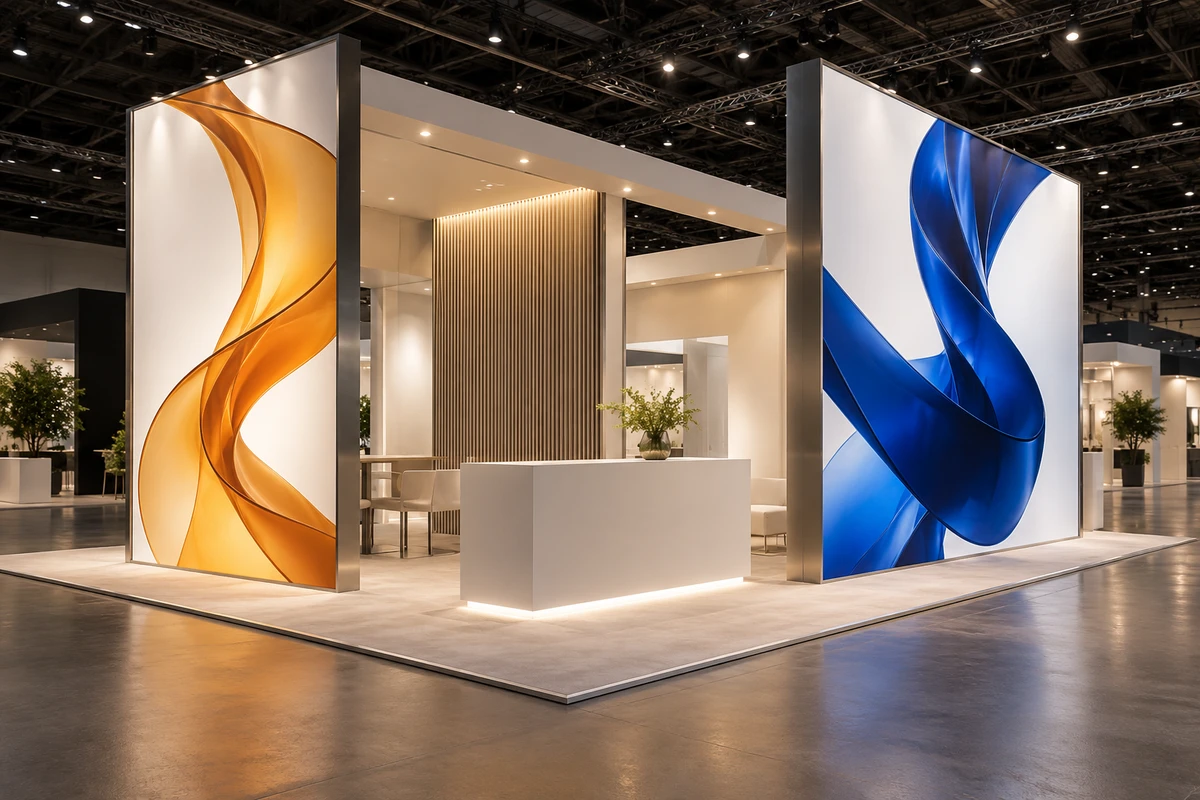
Source note: This article draws on the official and production-company texts above, not complete viewings of project films, venue attendance or effectiveness tests. The cover is an original AI-generated booth concept, not a real client installation or completed project.