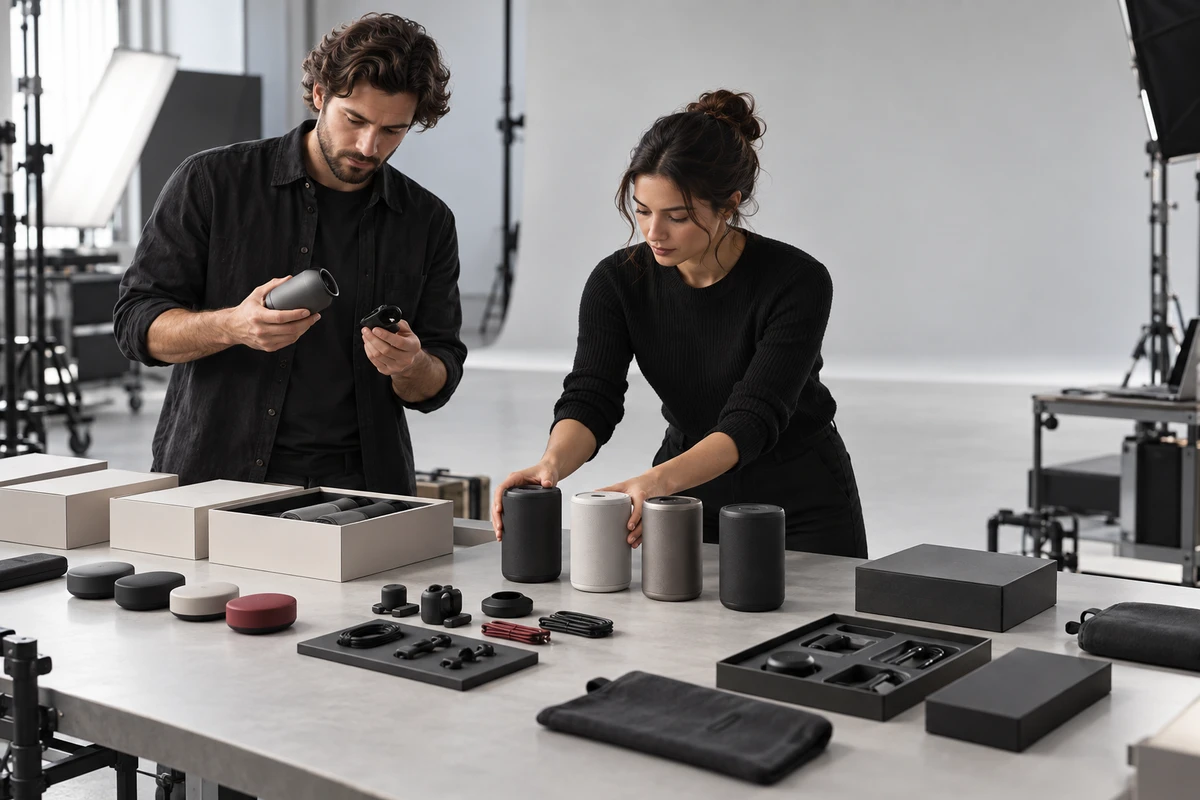
Imagine a launch shoot with eight ASINs on the table. They look like a tidy family of colors, ports, and bundles. Yet three units are still prototypes, two have just received new tooling, one is running unfinished firmware, and only two match the mass-production product. If the production plan still says “one master video for the whole family,” the first thing being scaled is not efficiency. It is error.
The most important decision in batch video production for multiple Amazon ASINs is not how many SKUs can fit into a shoot day. It is whether each ASIN is mature enough to support the shots, claims, and shared assets assigned to it. When appearance, function, packaging, and software are not stable at the same time, aggressive reuse only increases the size of the eventual reshoot.
Label Every ASIN Before You Build the Call Sheet
At the pre-production meeting, use a simple P/R/M label. These are internal production terms, not Amazon terminology:
- P — Prototype: built to validate a concept or a feature; appearance, structure, interface, accessories, or packaging may still change.
- R — Release Candidate: the core design is frozen, but final firmware, certification, packaging, or mass-production inspection is still pending.
- M — Mass Production: the appearance, functions, packaging, and market claims relevant to the shoot have been approved as the basis for launch content.
Do not apply one label to an entire product line. One child ASIN may be M while another color is still R. The device may be final while its packaging remains P. A useful readiness sheet separates product appearance, functions and UI, packaging and accessories, and approved claims—each with an owner and approval date.
This changes what belongs on the call sheet. P units are suitable for visual development, material tests, and atmosphere shots that do not prove a feature. R units can support much of the structural and operational footage, but the plan needs a defined pickup. M units are the right basis for long-lived product-page masters and formal release across several ASINs.
Amazon Can Share a Video Across Variations; That Does Not Make the Content Universal
Amazon's current shoppable video guidance lets sellers assign a video to target ASINs and choose whether it should appear on related variation listings. Amazon also published a feature update explaining how sellers can share shoppable videos across related product listings.
That is a distribution capability, not an editorial decision. A color change may inherit the same structural and operational footage. A different capacity, port, bundle, control method, or compatibility promise can change what the customer is buying. The platform can deliver a shared video to that detail page; it cannot correct a mismatch in accessories, interface, or demonstrated outcome.
Use three groups instead of a binary “share or do not share” choice:
- Master can be inherited: structure, primary action, and claims are identical; only color close-ups, packaging, or the end card changes.
- Difference shots are mandatory: ports, capacity, dimensions, accessories, UI, or outcomes affect the purchase decision.
- Do not claim yet: the function is unstable, certification is incomplete, or mass-production performance is unconfirmed. Captions and effects must not turn a future state into a present capability.
For the separate question of what belongs in product video, A+ Content, and advertising, see our guide to content roles across Amazon A+ and video. This article focuses on the earlier gate: whether the physical product is ready to be filmed and released.
Give Every ASIN Four Shot Decisions
Each ASIN row in the readiness sheet should contain four decisions.
Shared master shots. These may include opening, installation, storage, cleaning, and baseline use. They are shared only when the action path and result are genuinely the same—not merely because the product names are similar.
Difference shots. Color usually changes appearance close-ups. A new port changes the connection sequence. Capacity can alter loading and results. A bundle change requires new unboxing, accessory layout, and assembly footage. Bind these shots to the relevant ASIN in the storyboard instead of asking an editor to remember the differences later.
Prohibited shots or language. List unreleased software screens, unapproved performance figures, temporary accessories, and non-production structures. The US Federal Trade Commission states that advertising claims must be truthful, non-deceptive, and evidence-based in its Advertising and Marketing Basics. Images can make express or implied claims too; a shot presented as a demonstration may tell customers that the shipped product already has that capability.
Pickup triggers. Replace “reshoot if anything changes” with observable events: production color falls outside the approved reference, a port moves, UI hierarchy changes, the pack list changes, or certification forces different claim language. When a trigger occurs, reshoot the affected group rather than rebuilding the entire master.
A Crowdfunding Prototype Film and an Amazon Product Film Do Not Share the Same Definition of “Finished”
Many cross-border products begin with crowdfunding and later move to Amazon. The two stages can share a brand world and selected footage, but the same finished edit should not travel between them without review.
Kickstarter's hardware and product-design guidance, updated on August 6, 2026, requires creators to show a working prototype and does not allow photorealistic renderings to stand in for one. Its current rules also say that a prototype demonstration should reflect the product's current state and must not use CGI or special effects to demonstrate functionality that does not yet exist. A crowdfunding film may describe what the team intends to build, but it has to separate today's working state from tomorrow's plan.
An Amazon product page serves a customer choosing a specific purchasable ASIN. Appearance, included accessories, functional behavior, and demonstrated results should match the version that customer can buy. Before reusing prototype footage, review three things: Does the image still match production? Is the caption still accurate? Does every ASIN receiving the video support the demonstrated action?
This is also why CGI and generative imagery are not simply “allowed” or “forbidden.” They can clarify internal structure, create atmosphere, or previsualize a shot. Once an image serves as proof of a specific product function, the production must clearly distinguish concept imagery from the real product state.
Approve a Release Sheet, Not Only a Storyboard
A signed storyboard proves agreement about how the film should look. It does not prove that the product shown is ready for public release. Before the camera rolls, three owners should approve the readiness sheet:
- Product owner: appearance, structure, firmware, accessories, and sample status.
- Marketing or regulatory owner: specifications, performance language, certifications, conditions of use, and market-specific versions.
- Content owner: master inheritance, difference shots, languages, aspect ratios, and placements for every ASIN.
Connect this sheet to sample IDs, storyboard shot numbers, and asset names. A label such as ASIN-B07_R_UI-PENDING tells the crew that appearance and basic operation are cleared, while screen close-ups must stay out of the release master. Once the UI is final, the team can pick up only the screen and related interaction shots.
A Batch Production Can Have Two Shoots Without Becoming Two Full Productions
When readiness varies widely across an ASIN family, split the work. The first stage can cover lighting tests, approved appearance, common actions, talent scenes, and location-dependent footage. The second begins after production hardware, firmware, or packaging is confirmed and captures difference shots, screens, specifications, and the final unboxing.
This does not have to mean repeating the entire production. If the first stage is logged by shot group, sample ID, and pickup trigger, the second can be a small, controlled shoot. The expensive choice is not shooting twice. It is filming an unfinished sample as a complete release package and discovering, just before launch, that the same mistake exists in every edit.
If several ASINs are moving toward launch at different speeds, send ONCE VISUAL your ASIN list, sample status, target markets, and launch dates to receive a multi-ASIN video asset plan for pre-production approval.
Production examples and next steps
Separate product explanation from the requirements of each Amazon placement. The CHiQ refrigerator film shows a product and installation setting; the portfolio page does not establish Amazon ad performance.
Review Amazon product video production and CHiQ Built-in Black Refrigerator Product Video: Use Alignment and Door Opening to Illustrate Space Adaptation. To discuss your project, send the product page, approved claims, placement and caption requirements through the English project enquiry form.