The product may have been shot in Shenzhen, the campaign cut may be happening in Los Angeles or London, and the physical sample may already be back at the factory. Then the editor discovers a two-second gap: a cutaway that has to connect a product close-up to the end card.
That used to trigger a stock search, a compromised edit or a reshoot. It can now trigger a generation task inside the timeline itself.
Adobe announced Premiere’s Generative Media Tool on September 8, 2026. Its current documentation says an editor can select a range in the sequence, choose a model, set parameters such as resolution, aspect ratio, frame rate, seed and duration, and guide a result with a first frame, last frame or several reference frames. The result returns to the timeline as an editable clip. Premiere also retains the prompt and reference frames in generation history. Model availability and credit use vary by model, region and subscription. Adobe’s product documentation explains the workflow here.
This does not make the reshoot obsolete. It moves a production decision into the edit, where the team can see the exact gap — but may no longer have access to the product, performer, set or original lighting. The practical response is to change what the shoot delivers.
Route the shot on two axes
Before asking which model to use, score the missing shot on two questions.
Truth risk: Could an error change what a buyer believes about the product? Ports, button positions, package text, UI states, operating steps, safety behavior and a real spokesperson’s claim are high-risk. Atmosphere, non-specific environments and abstract transitions are usually lower-risk.
Continuity load: How many attributes must survive the cut? Identity, wardrobe, product geometry, light direction, object position, hand contact, camera motion and the action’s start and end states all increase the load.
That produces four routes:
- Low truth risk, low continuity load: generate first. Atmosphere, generic establishing shots, transition material and non-evidentiary sound are reasonable candidates.
- Low truth risk, high continuity load: use a hybrid. Start with captured first and last frames, a clean plate and motion reference; generate the bridge, then composite and grade it.
- High truth risk, low continuity load: prefer approved real footage or reshoot. A simple frame can still invent the wrong product fact.
- High truth risk, high continuity load: default to live action or a live-action base. If generation is tested, define a stop rule and a reshoot fallback before the deadline.
A two-second beauty transition around a pair of headphones is not the same production task as a hand pressing the real pairing button. Duration is a poor proxy for risk.
The ONCE Continuity Anchor Pack
Reference frames only help when the source material is clear, authorized and designed for reuse. For overseas brands working with a Chinese supply chain, the most economical moment to capture that material is often the original product shoot — while the correct sample, crew and lighting are already present.
ONCE’s Continuity Anchor Pack has six parts.
Product truth
Capture high-resolution front, side and rear views; ports; packaging; labels; screen states; and real operating steps. List text, buttons, dimensions and geometry that must never drift.
Light and color
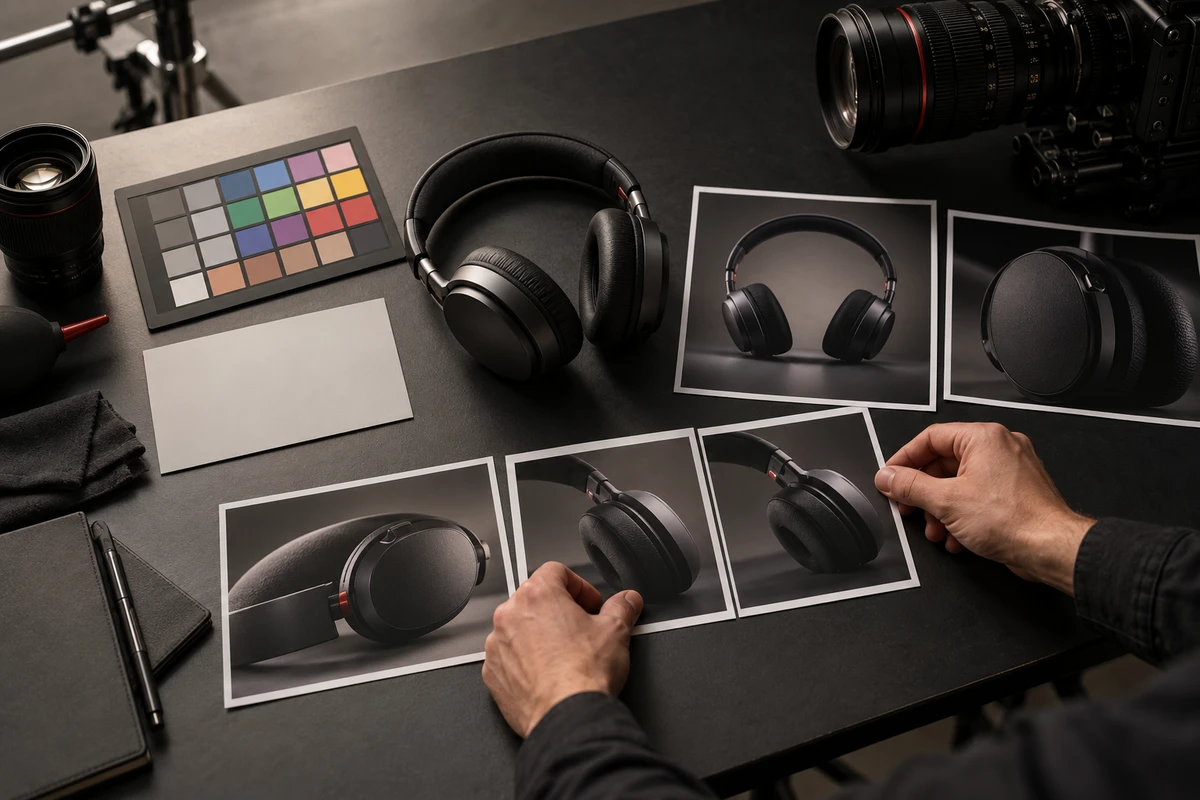
Record key-light direction, color temperature, contrast relationships, practical sources, lens and filter choices, and a neutral color reference. A beautiful final frame does not explain why the reflections landed where they did.
Camera and action
Save reference moves for push, pull, pan, tilt, slider, handheld and robotic paths. Mark the starting state, ending state and dominant motion direction. For a bridge shot, those states matter more than the phrase “cinematic movement.”
Material and contact
Capture hands touching the product, liquids meeting surfaces, fabric on skin, hinges opening and other contact events. Force, occlusion, reflection and fingertip placement are common failure points in generated footage.
People and rights
Store approved angles, wardrobe, hair and expression ranges alongside the actual territory, channel, duration, likeness and voice permissions. The ability to synthesize a person does not create permission for a new use.
Generation record
For each accepted candidate, retain the tool, model and visible version, generation date, prompt, references, settings, candidate count, manual repairs and approver. Adobe says Premiere retains prompt and reference-frame history, but a brand still needs a project-level record. Content Credentials can add provenance context; they do not replace contracts or internal approvals. Adobe also notes that partner models are third-party models and that the user remains responsible for deciding whether a model fits the project. The current partner-model guidance is here.
This pack turns a shoot into more than a folder of finished clips. It creates constrained inputs for future cutdowns, localizations, aspect ratios and replacement shots — without asking the crew to capture everything twice.
Price the approved second, not the generation
Generation cost is not the price of pressing Generate. Model credits change, and a cheap candidate may create an expensive repair.
Use a project-specific denominator:
Cost per approved usable second = (anchor preparation + generation and operator time + compositing and repair + truth, brand and rights review + fallback or delay cost) ÷ approved usable seconds
If the team creates forty two-second candidates and only two make the final cut, the denominator is four approved seconds, not eighty generated seconds. Compare that number with a reshoot at the same delivery standard: resolution, edit compatibility, territory, usage rights and revision capacity.
Set three stop rules before work begins:
- If an agreed number of attempts cannot preserve the non-negotiable product facts, reshoot.
- If repair time exceeds the reshoot or alternative-edit budget, stop generating.
- If the model, inputs or usage conditions cannot be documented, keep the shot out of the public master.
Approve the cut, not the isolated clip
A generated shot should be reviewed inside the real sequence. Play it at normal speed, then inspect both edit points frame by frame.
Ask:
- Does motion, gaze, light and object position enter naturally from the previous shot?
- Are product text, geometry, color, operation and identity still correct?
- Does the ending state allow the next shot to begin without a hidden contradiction?
- Can the team trace the model, source references, repairs and approval?
A spectacular standalone clip may be unusable in the cut. A modest two-second bridge can be more valuable if it preserves truth and connects cleanly.
The procurement change
Brands producing frequent product films, paid-social cutdowns and market variants should add four items to every production brief: product invariants, likely gap-shot categories, the Continuity Anchor Pack and reshoot-switch conditions. This makes generative post-production an option the team can control rather than a rescue attempt at delivery.
For product proof, real-person claims, fine hand interactions and regulated content, live action remains the truth layer. Generation is better suited to atmosphere, transitions, exploration and low-risk variation. A one-off film with no realistic versioning need may not justify a large anchor library.
The structural signal is not that AI can create more footage. It is that generation now sits beside the cut and can use the cut’s own context. Production companies therefore create more durable value when they deliver the physical truths, light, motion, contact and rights that post-production cannot safely invent.
Sources checked October 5, 2026:Adobe’s September 8 announcement, Premiere Generative Media documentation, Premiere FAQ, Adobe partner-model guidance, and Adobe Content Credentials documentation.