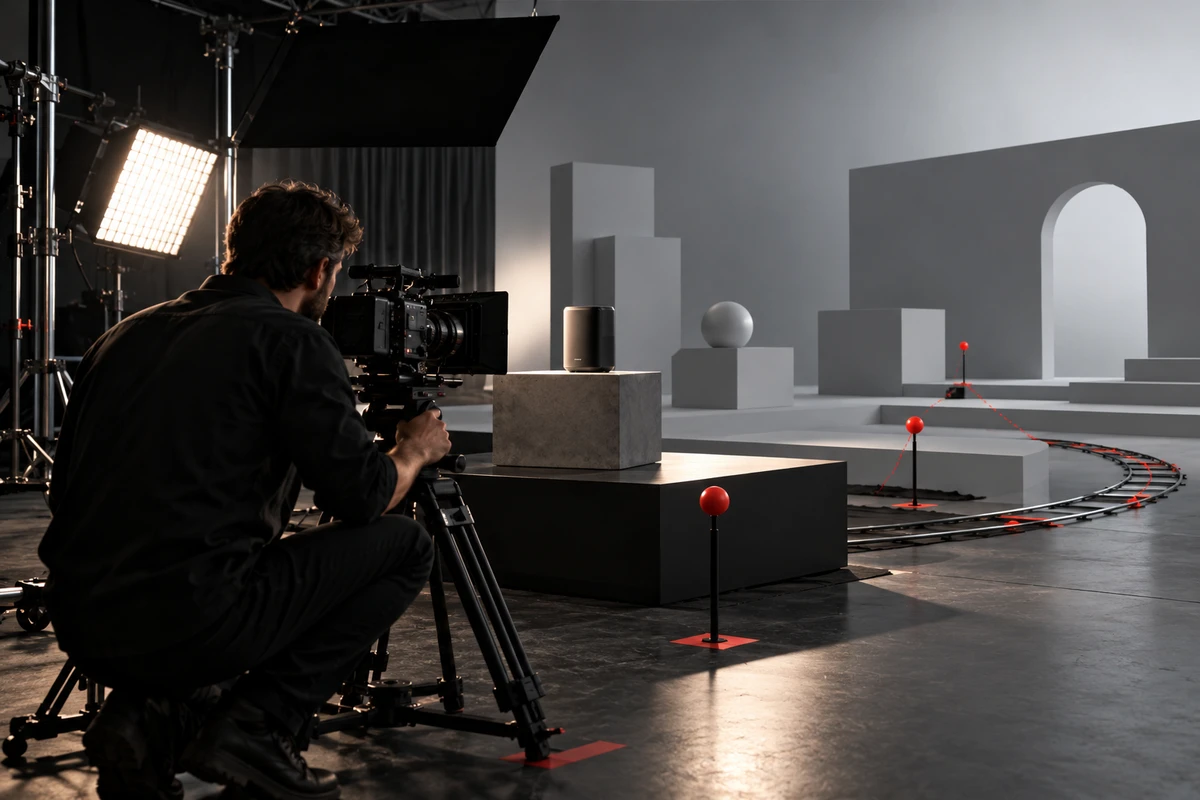
AI previsualization reduces commercial production rework when it separates the decisions that are hardest to reverse before the shoot. It should not be used simply to turn a script into something that resembles a finished film. If framing is still open, do not review performance at the same time. If action is unresolved, do not polish materials. If shot continuity is changing, do not treat one edit as the final rhythm.
The closer a preview looks to a finished film, the easier it is for reviewers to approve every visible detail at once. Yet the product, talent, camera, and lighting in a previs sequence are often at different levels of maturity. A brand may believe it has approved the overall feel, while the production team understands that the camera position and action are locked. The disagreement only becomes visible when the real prototype, live performer, or final 3D asset enters production.
A more reliable approach is to attach an approval card to each previs round. It should state what this round approves, which input version it uses, what remains untested, and which changes will invalidate the decision. The three cards below cover framing, action, and shot continuity.
Card One Approves Framing, Not False Precision
The framing round answers practical questions. Is the product large enough in frame? Is the relationship between person and product clear? Can the horizontal and vertical versions preserve the same visual priority? Where is the camera likely to be?
Autodesk’s official overview of previsualization describes previs as a way to plan camera and actor placement and movement, lighting, stages, and visual effects before production. It also distinguishes creative previs from the more technical purpose of techvis. That distinction matters: a mood frame can help a team discuss a visual world, but it does not automatically become a technical reference for focal length, dimensions, or set construction.
A framing approval card should record at least five items: aspect ratio, product scale in frame, talent or prop position, approximate camera height, and required safe areas. If the result must guide live action or virtual production, it should also record virtual focal length and filmback. Unreal Engine’s current VCam documentation shows controls for lenses, focus, iris, filmback, and aspect-ratio masks including 9:16, 1:1, and 16:9. Previs can therefore test several delivery formats in one space instead of leaving the vertical crop to guesswork after the master is shot.
This round does not approve final materials, true product reflections, actor performance, or finished visual effects. A low-detail grey model or temporary reference image is useful because it reminds everyone that the decision concerns spatial relationships, not visual completion.
Card Two Approves Action: Who Moves, How, and Where It Stops
The action round is easily misread when a generated movement simply looks smooth. AIGC can quickly produce a natural hand movement, turn, or flying product shot, but production needs to confirm the start point, path, contact point, and end state.
If a pair of headphones is lifted from a table, the team must decide which side the hand enters from, whether the thumb covers the brand mark, whether the lift creates a usable match into the next shot, and whether the action leaves enough pause for an edit. Approving only the feeling of someone picking up the headphones still leaves too many decisions to the day of the shoot.
Adobe’s commercial storyboard tutorial for Firefly Boards shows how reference images can support consistent panels before a frame is turned into video and given camera direction. That workflow can turn a static composition into a motion draft that is easier to discuss. The draft must still be translated into performer blocking, real product interaction, or 3D animation curves.
The action card should record the subject, starting pose, movement path, object of contact, end state, and expected duration. Shots involving real handling, hands on a product, liquids, cables, or precision components benefit from a simple live-action blocking test. Surreal movement can begin in 3D to establish space and speed, with AIGC used later to explore visual treatment. For another way to decide where live action and AI each belong, see what to validate before integrating AI video into TVC production.
Card Three Tests Whether Shots Connect
Many previs sequences contain individually convincing shots that feel like five different commercials when placed together. The continuity round does not ask how to improve each shot in isolation. It asks what the previous shot leaves behind and what allows the next shot to pick it up.
Review each pair for four things: whether the visual point of attention continues, whether character or product movement changes direction unexpectedly, whether lighting or spatial rules suddenly shift, and whether a transition based on occlusion, shape, or action is available on both sides. A low-resolution animatic is often more useful than ten polished stills here because the problem exists between shots.
The shot-continuity card should record the outgoing state, incoming state, basis of the cut, missing materials, and fallback option. If a transition requires a product to pass behind a real occluder before entering a generated environment, the shooting list must include the clean plate, occluding element, tracking data, and required start and end states for generation. A beautiful transition sample is not enough if nobody records the inputs needed to reproduce it.
Every Approval Card Needs an Invalidation Trigger
Approval is not permanent. At least part of the decision should be reviewed again when:
- Product dimensions, port positions, color, material, finish, or packaging structure change, affecting framing or physical contact.
- Dialogue order, shot duration, or feature priority changes, affecting continuity.
- The master format changes from horizontal-first to vertical-first, requiring new talent positions or product scale.
- A fully generated shot becomes a live-action composite, requiring camera height, focal length, and light direction to match the set.
- A different version of the 3D model, character reference, or environment asset replaces the approved input.
This becomes especially concrete when live action and CG must align precisely. Unreal Engine’s camera lens calibration documentation explains that virtual-camera position and orientation, physical-camera tracking timing, and lens distortion must correspond for an accurate composite. A previs shot approved only because it looks similar remains a creative reference if focal length, sensor, focus, and distortion conditions were not preserved; it cannot automatically become a technical plan.
Invalidation triggers are not a way to create more approvals. They make revisions occur at the correct level. A color change may not affect action. A dimensional change may require both framing and contact to be approved again. A music change may require only the edit points to be checked. The team can then see what remains valid and what must be revisited.
Previs Is Complete When the Next Team Has Clear Inputs
A previs round should not end with only a video file and a chat thread. The framing card should feed the storyboard and camera list. The action card should feed performer blocking, motion-control paths, or animation curves. The continuity card should feed the shooting-material list, compositing tasks, and version-delivery plan.
This also clarifies the roles of live action, CGI, and AIGC. Live action handles real people, physical products, and contact that must be verifiable. 3D handles space, scale, lenses, and repeatable movement. AIGC supports early visual exploration, atmosphere changes, and conceptual scenes that are difficult to build. The work is divided by the decision that must be approved, not by an arbitrary percentage of the budget.
Autodesk Research’s 2026 PrevizWhiz publication combines rough 3D scenes with generative image and video methods to connect spatial control with visual expression. It also reports challenges involving continuity, authorship, and ethics. The closer a generated result looks to final quality, the more clearly the team must label what it is still testing.
AI previsualization can expose mistakes earlier, but it also uses modelling, generation, directing, and review time. It may reduce the risk of reshoots and repeated discussion; it cannot guarantee lower costs or replace verification of a real prototype, formal testing, rights clearance, or final quality control.
If your commercial needs live action, CGI, and generated imagery in one production workflow, explore ONCE’s AIGC commercial and hybrid production solution. Share the script, product materials, and delivery versions to plan which decision each previs round must approve before the most expensive shots enter production.