The most expensive rework on a commercial is rarely two more edit rounds. It is discovering after the shoot that the product has no presence on camera, the mood of the world is wrong, the action cannot carry the proposition, or the vertical cut was never truly planned. A pickup then affects more than a shot: it affects budget, availability and the release schedule.
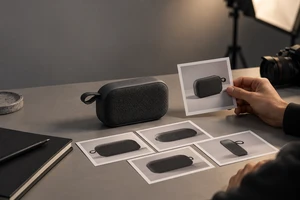
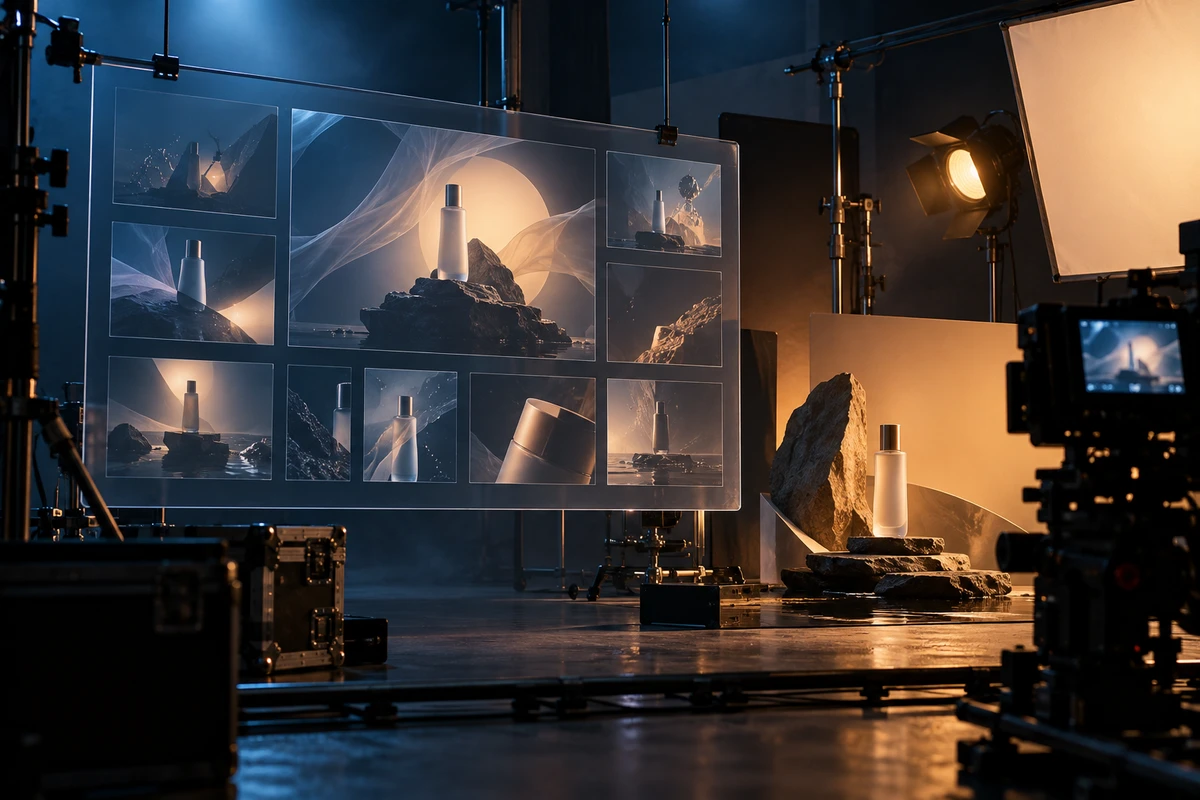
Generative AI can surface those risks earlier. But it should not be treated as a wish machine for an automatic finished film. For a brand team, its more dependable role is creative previsualization: make the consequential choices visible, comparable and discussable before live action begins. The team can then decide what must be photographed for real, what can be extended in post, and what is not worth shooting in the first place.
Start with the decisions worth visualizing
Not every shot needs an AI version. Start with decisions that are hardest to reverse on set:
- How the product is seen. Do viewers first see the use action, the material, the scale or the setting? That choice changes props, lighting and camera choreography.
- Whether the world holds together. When a film moves between real locations and imagined space, test mood, colour temperature, density and transition logic before the references become a collection of individually attractive images that do not make one film.
- Whether the hero action explains the benefit. The relationship among person, product and camera often determines comprehension sooner than a line of voice-over does.
- Whether formats come from one narrative. Google Ads currently advises advertisers to include horizontal 16:9, vertical 9:16 and square 1:1 video orientations in an ad group. That is not a case for cropping a hero film three times; it is a reason to reserve the actions and negative space each format needs while storyboarding.
The value of previsualization is not that it makes a director’s idea look prettier. It turns vague adjectives into choices: Does the product arrive early enough? Which kind of space actually carries the key visual? Can the first second be read on a phone?
Use three rounds of judgment—not a pile of attractive images
Round one: composition and narrative order. Use low-cost visuals to test the opening, product arrival, turn and close. Do not spend this round on hair detail, material perfection or effect polish. Ask whether every frame supports the same communication proposition.
Round two: production feasibility. Break the chosen direction into a photographed subject, a post-production extension and an atmosphere element that may be generated. Consumer-recognizable product appearance, hand interaction and critical performance demonstration normally belong in controlled live action. A distant world, an atmosphere shift or a transition that does not require frame-by-frame recognition can be assessed for AIGC extension. Adobe describes generative tools as especially valuable for early ideation, storyboarding and previsualization, while also stressing rights, transparency and creative control in commercial workflows.
Round three: the distribution asset list. Only now ask how many versions the film can become. Mark each essential shot: required for the hero film, independently useful in six seconds, suitable for a vertical first frame, or expandable as a still. Short edits and social assets then grow from validated visual decisions rather than from leftover fragments of a long cut.
What stays live action—and where AI belongs
A practical rule is simple: if viewers must trust it, recognize it, or use it to make a purchase decision, prioritize controlled live action; if it needs fast exploration, extension or replacement, evaluate AI first.
This turns hybrid production from a tool choice into a way of allocating risk. In a new-product commercial, true reflections on packaging, button feedback, product handling, performance moments and the texture of a real set usually should not be left to stochastic generation. But AI can help a team explore city atmospheres, visual metaphors or scene bridges before the first shoot day. TikTok’s 2026 Symphony documentation says Creative Studio outputs are automatically labelled “AI-generated”; when platform-generated material enters a deliverable, disclosure, applicable terms and approval ownership should be part of the production checklist—not an end-stage task.
Less rework comes from earlier choices, not more options
Some projects turn AI previsualization into “show the client ten styles,” which only produces more decision noise. A better process lets each round answer one question and sets clear grounds for elimination:
- Is the first priority product understanding, brand feeling or a promotional action?
- Which moment must establish trust through a real shot?
- If only three shots remain, which three still communicate the core message?
- Which elements cannot be sacrificed in each aspect ratio?
When these points are aligned before shooting, the set day can focus on performance, light, rhythm and product detail instead of reopening the question of the visual world. That is what previsualization genuinely saves: not a few images, but attention on the shoot.
A minimum deliverable that can enter production
For a product launch or brand commercial, keep the previsualization package usable: a one-page creative decision, 6–12 key frames, a live-action / generated / post-production label on each frame, format notes, and the must-capture shot list. It does not replace a director’s treatment, a production breakdown or formal storyboards. It gets those documents working against the same picture earlier.
ONCE can take this starting point into live-action production, product visuals and multi-platform cut-downs. Explore ONCE’s AIGC Insights or contact the ONCE team to make the three hardest-to-reverse decisions on your next project visible before they become expensive.