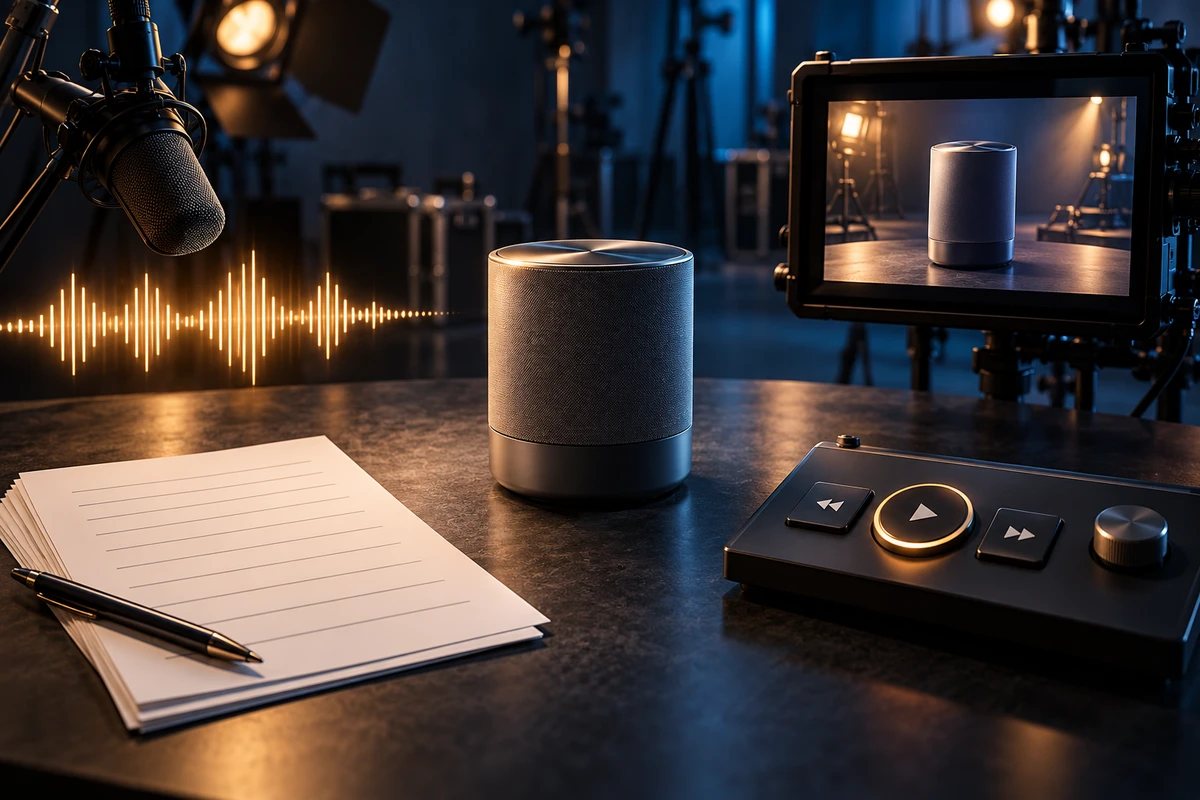
Burned-in captions can make a product video usable on mute. They do not tell a blind shopper what a close-up reveals, guarantee that a screen-reader user can operate the player, or keep captions, transcripts and localized versions aligned when a product page changes.
For brands selling into the EU, the useful procurement shift is not “buy one more caption file.” It is to treat product video as a small information system whose buying evidence must survive across sound, sight, text and control.
Separate the legal fact from the production recommendation
The European Accessibility Act is Directive (EU) 2019/882. It includes e-commerce services in scope, and EU countries apply the relevant measures from 28 June 2025. That is a meaningful compliance signal, but it is not proof that every advertisement in every market needs an identical media package.
The Directive contains boundaries. Pre-recorded time-based media published before 28 June 2025 and archive content not updated after that date are excluded from its website and app content provisions. Microenterprises providing services are also excluded, while fundamental alteration and disproportionate burden have specific conditions. National transposition, the market served, the operator's role and whether content is updated still matter. Legal counsel should decide applicability.
W3C guidance provides a practical technical map. For prerecorded video, necessary audio information calls for captions; necessary visual information calls for audio description or a descriptive transcript; an accessible player needs keyboard support, visible focus, clear labels and sufficient contrast. Those are strong procurement and QA references, but WCAG should not be presented as a one-line substitute for country-specific law. The distinction matters because overclaiming creates the wrong scope while under-specifying creates unusable deliverables. (Directive; European Commission; W3C media planning)
Why mute-friendly can still lose the decision
Imagine a coffee-machine video. The voiceover states the extraction pressure while the camera reveals a water-level mark, the colour of a warning light and a three-step cleaning action.
- Translation subtitles change language; they may omit speaker identity, alarms or other meaningful sounds.
- Accessibility captions carry the audio information needed to understand the video, but they still do not expose a water-level mark or an unlabeled gesture to someone who cannot see it.
- A standard transcript records audio. A descriptive transcript adds the relevant visual information and can work with screen readers, braille devices and search.
- Audio description moves necessary visual evidence into sound. In instructional content, integrated description is often the cleaner answer: replace “press this” with “press and hold the left circular button for three seconds.” A separate description track is more useful when critical visuals cannot fit naturally into the main narration.
- The media player determines whether someone can turn captions on, reach controls by keyboard, pause playback or select a described version. Correct media inside an inaccessible player is still a failed page experience.
The familiar sound-on/sound-off test is therefore necessary but incomplete. It detects caption gaps, not visual information with no alternative or controls that users cannot reach. ONCE's article on planning one brand-film shoot for multiple deliverables covers the value of master assets; accessibility adds a second question: can each decision-critical fact travel through the output the audience can actually use?
The ONCE four-path model
Procure against decision paths, not filenames.
1. Audio path: can a listener complete the decision?
Narration should name the model, action, result and limitation rather than leave key facts only on screen. Functional alerts, machine sounds and state changes belong in the script and sound inventory when they affect correct choice or use.
2. Visual path: can a mute viewer complete the decision?
Captions, on-screen copy, product action and pacing must carry the intended claim together. Captions are more than a speech dump: they identify speakers and non-speech audio when that information is necessary, and they must remain readable without hiding product controls or platform UI.
3. Text path: can someone complete the decision without playing the video?
Combine the caption script, shot list and essential visual description into a descriptive transcript. It becomes an accessible alternative and a localization master. Price conditions, compatibility, dimensions, warnings and other purchase constraints should also live in accessible page copy, so the video is not the only source of truth.
4. Control path: can the audience invoke the other three paths?
Test keyboard operation, focus visibility, control labels, caption settings, autoplay behaviour and description support on the destination page. If a platform cannot switch audio-description tracks, the fallback might be integrated narration, a separate described cut or a descriptive transcript beside the player. That choice belongs in the distribution plan, not in a rescue email after final delivery.
The objective is not to maximize assets. It is to prevent one purchase-critical fact from existing only in a sensory or technical path that part of the audience cannot use.
Put ACCESS into the brief, estimate and acceptance test
The ONCE ACCESS sequence turns the four paths into a production workflow.
A — Assess the purchase-critical information
Mark specifications, actions, restrictions, warnings, offer conditions and the call to action in the script and storyboard. Decorative motion does not need a running commentary. Information that changes purchase or safe use needs an alternative path.
C — Choose the alternative by destination
An owned product page can support a caption file, descriptive transcript and accessible player. A marketplace may allow only burned-in text plus page modules. Social platforms introduce safe-area and duration constraints. Map destination capability first; then decide between integrated description, a separate track and a described cut.
C — Create access at script stage
Replace “click here,” “looks like this” and “as you can see” with explicit actions and results. Put essential visual facts into the main narration where that does not damage the creative. W3C recommends planning integrated description before filming because it can remove the need for a later workaround. (W3C audio and video content)
E — Export editable components, not only an MP4
The estimate should say whether it includes a clean master, burned-caption cut, WebVTT or SRT, descriptive transcript, description track or described version, thumbnail, page alternative-text notes, and language/version naming. Not every job needs every item. Every quote should make ownership explicit.
S — Sign off on the real page
Check each critical fact against the selected paths, then test the embedded experience on target devices. Automated captions can accelerate a first pass; they do not replace human review of product names, numbers, timing, speakers and meaningful sound.
S — Sustain every revision
When a specification, voiceover or promotional condition changes, update captions, transcripts, described assets and page copy together. Accessibility that exists only at launch disappears at the next content revision.
Budget by usable decision combination
A more useful denominator than “number of files” is:
Cost per usable decision combination = (script adaptation + captions/transcript + description + localization + player/page implementation + QA) ÷ accepted market × destination × version combinations.
The denominator counts combinations that actually pass. If the same English caption track works on the owned site, is cropped on social and cannot be invoked on a marketplace page, it is not three usable deployments.
This model shifts procurement toward the expensive decisions that really control value: whether the script removed ambiguity early, whether master assets are reusable, and whether the distribution environment supports them. It also avoids the opposite mistake—commissioning a separate audio-description track for every short clip before checking whether all essential visuals are already integrated into narration.
When to raise the procurement level
Treat accessibility as a formal workstream when the video carries installation, safety or compatibility instructions; when it is the main evidence on a product page; when the brand sells across several EU markets; when the page will be updated repeatedly; or when one master will generate many localized versions.
A lighter package may be appropriate for a purely atmospheric film when every purchase-critical fact is already available in accessible page text. The relevant question is not whether the asset is “an ad.” It is whether the asset carries information required to complete the intended decision, and what the target service, market and player require.
The practical next step is to audit the three highest-traffic product videos. List every decision-critical fact and mark whether it currently exists in audio, visuals, text and controls. Any fact that lives in only one path is the priority for the next script and version plan.
Source boundary
Legal facts were checked against Directive (EU) 2019/882, the EUR-Lex legislation summary and the European Commission's European Accessibility Act page. Production guidance was checked against W3C WAI resources for media planning, content and players, including the media-player guidance updated 17 September 2024. Sources were rechecked in October 2026. This article is a production and procurement framework, not legal advice.