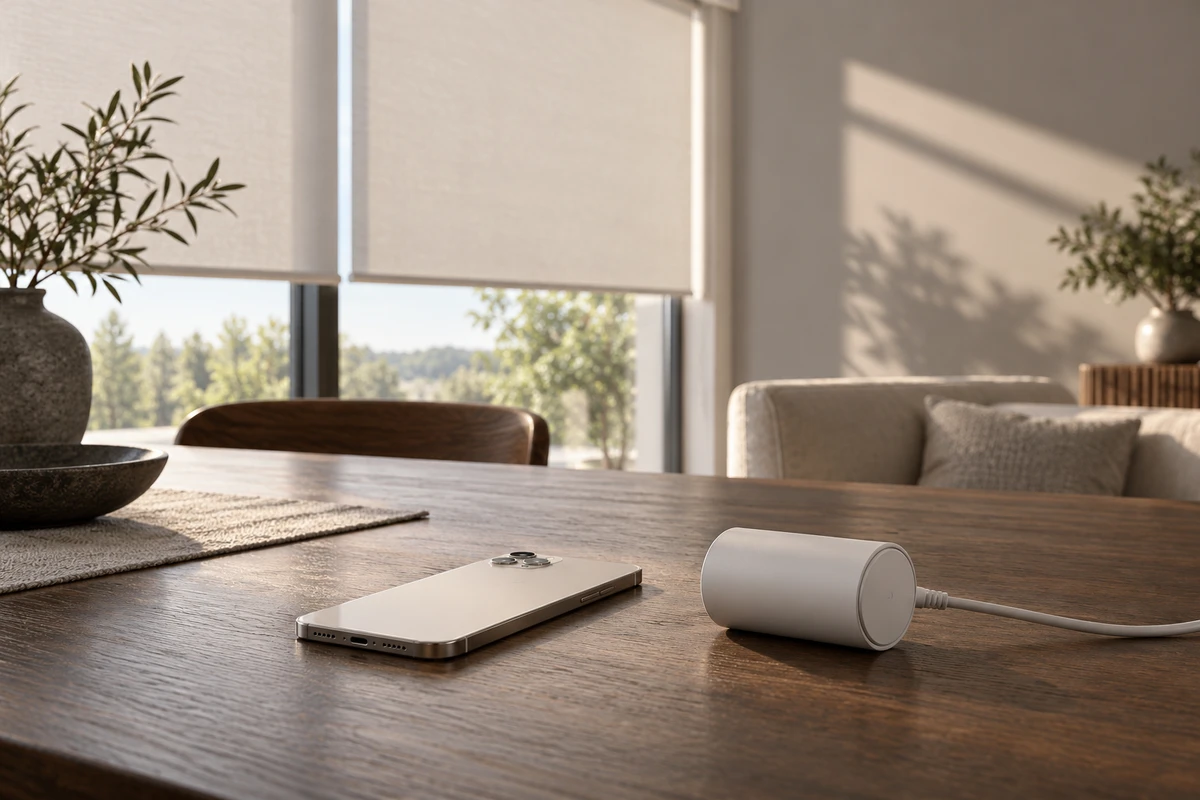
Your Chinese manufacturing partner has arranged a polished lifestyle shoot. The connected blinds open, the room fills with daylight and a person uses the phone. Before commissioning “one more cut for the app stores,” ask your app team which asset they mean. A brand video for an available App Store placement and an App Preview are different production assignments.
ONCE recommends specifying the destination before allocating the shoot and screen-capture budget. A hardware story explains why the device belongs in someone's life. An app demonstration shows what the software actually lets them do. Both may belong in a launch, but neither automatically supplies the other.
Brand expression has a place; the preview has a different job
Apple's current asset best practices distinguish previews and screenshots, which show the app in use, from creative assets that can communicate brand value and appear in locations such as the product-page header and search results. It specifies iOS 27 and iPadOS 27 or later for these creative assets. This is a reading of current guidance checked October 23, 2026, not a claim that the page changed that day.
For the App Preview itself, App Review Guideline 2.3.4 requires screen-captured app footage, with explanatory narration and overlays permitted. Apple's App Previews guidance also excludes filming people operating devices, including over-the-shoulder shots and fingers on screens.
Do not collapse those categories into “Apple permits lifestyle video” or “all App Store video must be screen recording.” Have the app owner identify the actual asset type, available placement and supported devices. Then scope the production work. A small app with a simple proposition may need a clear preview rather than a separate brand film.
Split the hardware promise into control, feedback and result
Consider a hypothetical smart-blind product sourced from China. This is a planning example, not an ONCE client result. “Schedule the blinds to open in the morning” contains three visual subjects:
- Control: selecting the device, setting a time and saving a schedule.
- App feedback: seeing the saved schedule or a supported status in the interface.
- Physical result: the real blind moving under the stated conditions and changing the room's light.
The first two can come from the functioning app. The third needs an appropriate physical demonstration. An attractive reconstruction of the interface cannot establish what the motor does.
ONCE's destination-first shot allocation is an original production method, not a platform standard:
| Destination | What the material must accomplish |
|---|---|
| Apple App Preview | Explain the control path and genuine feedback through in-app capture; keep external lifestyle footage out of this preview |
| Apple creative asset | Express an app-related brand idea in the available placement, checking candidate footage against that asset category's guidance |
| Google Play preview | Meet a separately assessed Play brief and submission route |
| Website or sales demonstration | Connect app actions with physical results while keeping the product, functionality and conditions consistent |
Prepare the source material together where useful, but approve its uses separately. A saved schedule is not evidence of response speed, quiet operation or installation simplicity. Those are different claims requiring their own support.
Google's recommendations are not Apple's exceptions
Google Play's preview-asset guidance uses a YouTube URL for the store preview. Its requirements include disabling ads, making the video public or unlisted, allowing embedding and avoiding age restriction. Its advice to make at least 80% representative of the user experience sits under “Highly recommended.” Its advice against filming device interaction has an exception where core usage occurs off-device.
Those distinctions matter for connected hardware. They do not establish a general Apple exemption for a motor, sensor or fitness accessory. Ask the submission owner to assess the actual footage against the relevant platform guidance. Share confirmed product facts across versions; do not sell a single approval label covering every destination.
Buy usable capture before buying more edits
A lifestyle film may contain excellent phone shots and still leave the editor without the recording needed for an App Preview. If only design mockups or unsettled interactions exist, scope capture preparation or a clearly identified concept exercise first. Do not describe that work as a submission-ready demonstration of the finished app.
Write a short acceptance statement for each capture: “After saving the schedule in the English app, the viewer can see the time they selected.” The product owner confirms the function; marketing checks comprehension; production checks legibility in the intended output. This is more useful than requesting a generally more technological look.
For overseas teams, language readiness is an input to the job. Replacing captions does not localize a Chinese menu or make an unavailable regional feature appear. Agree which target-language build and approved display content will be supplied. Separate waiting for product inputs, replacement captures and agreed edit rounds in the scope.
If engineering changes the product later, ONCE's product video version-control article addresses notification and replacement responsibilities. The earlier decision here is whether the material was ever suitable for its intended destination.
Review accuracy and submission separately
The first review asks whether the experience is accurate. Is this the real interface? Does the sequence explain the interaction? Do transitions imply a capability the product lacks? Saving a plan must not become instant physical execution through editing.
The second review checks delivery. Apple's preview specifications currently include a 15–30-second duration, a 500MB limit and a maximum 30fps. They distinguish the device's screen resolution from the accepted preview resolution. Export for the relevant accepted resolution rather than copying a handset's pixel count or a generic social preset. For Google Play, inspect the actual video link and settings; delivering a local master does not complete that work.
Neither review guarantees platform approval or more installs. Together they make the agreed responsibilities assessable: accurate material, destination-appropriate output and a named app owner for submission.
Compare quotations by those tasks. Brand filming, app capture, destination-specific editing, localization and submission assistance may share planning while requiring different execution. Where usable capture already exists, new filming may be unnecessary. Where it does not, extra free cutdowns will not solve the missing input.
For ONCE, the longer-term opportunity is a source collection with explicit permitted uses, languages and product facts. That is a proposed service capability, not a claim of realized savings or margins. Bring the target markets, actual asset categories, recordable app and one priority function to the next brief. Define the job before negotiating the seconds.
Sources are living official documents checked October 23, 2026. The allocation table and acceptance method are ONCE's analysis.